 Libre
LibreTurn job photos into a portfolio that wins work.
Select your best project photos, generate an embed code, and drop it on your website. A professional gallery that updates as you complete new jobs.
Every photo, already in the right job
Photos land in the project automatically — named by address, stamped with time. Your gallery is built before you sit down at a desk.
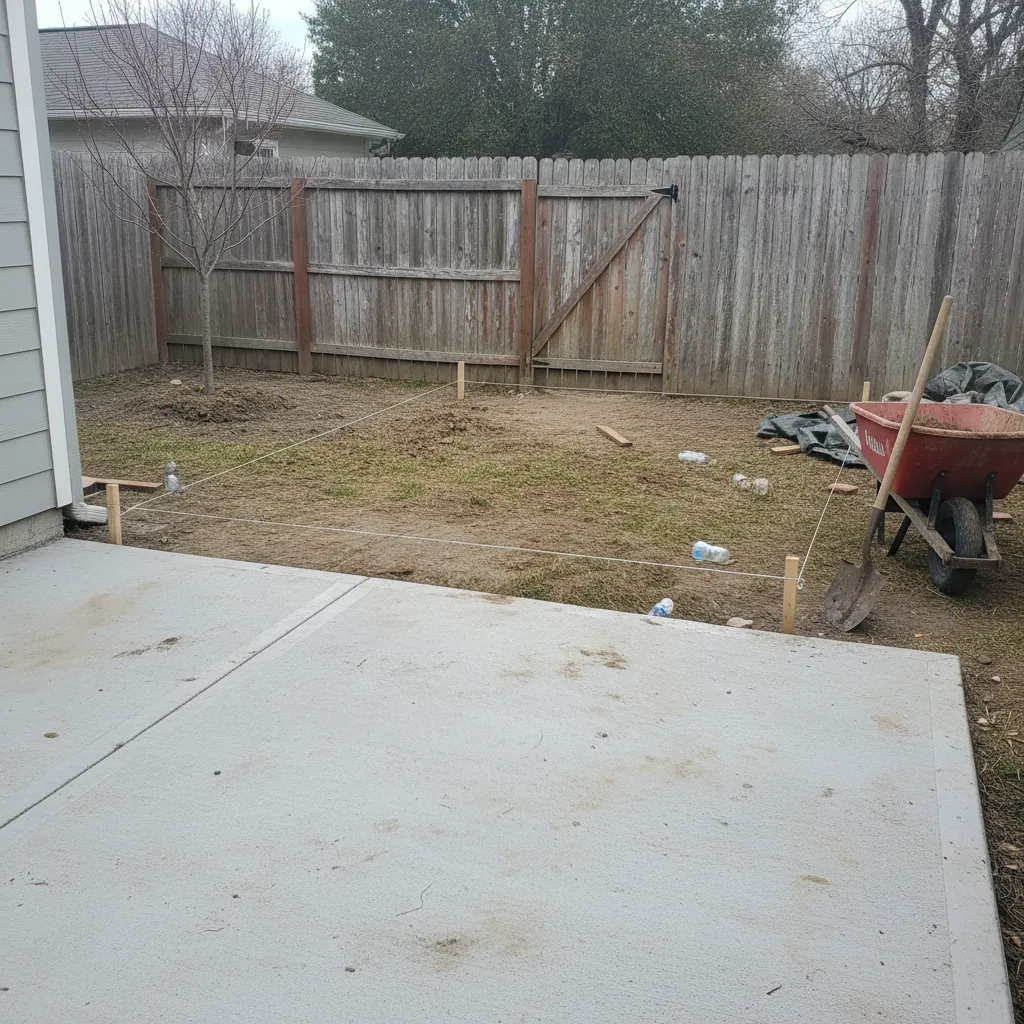
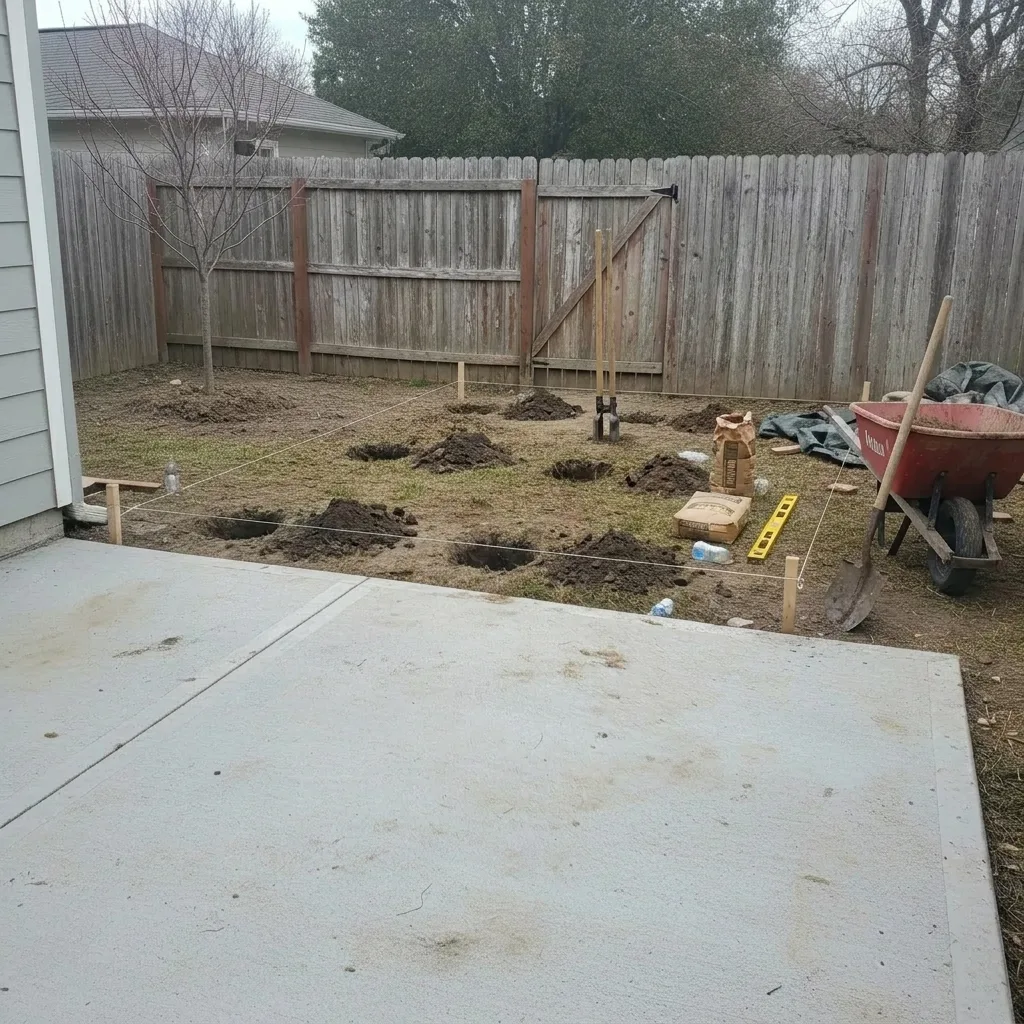
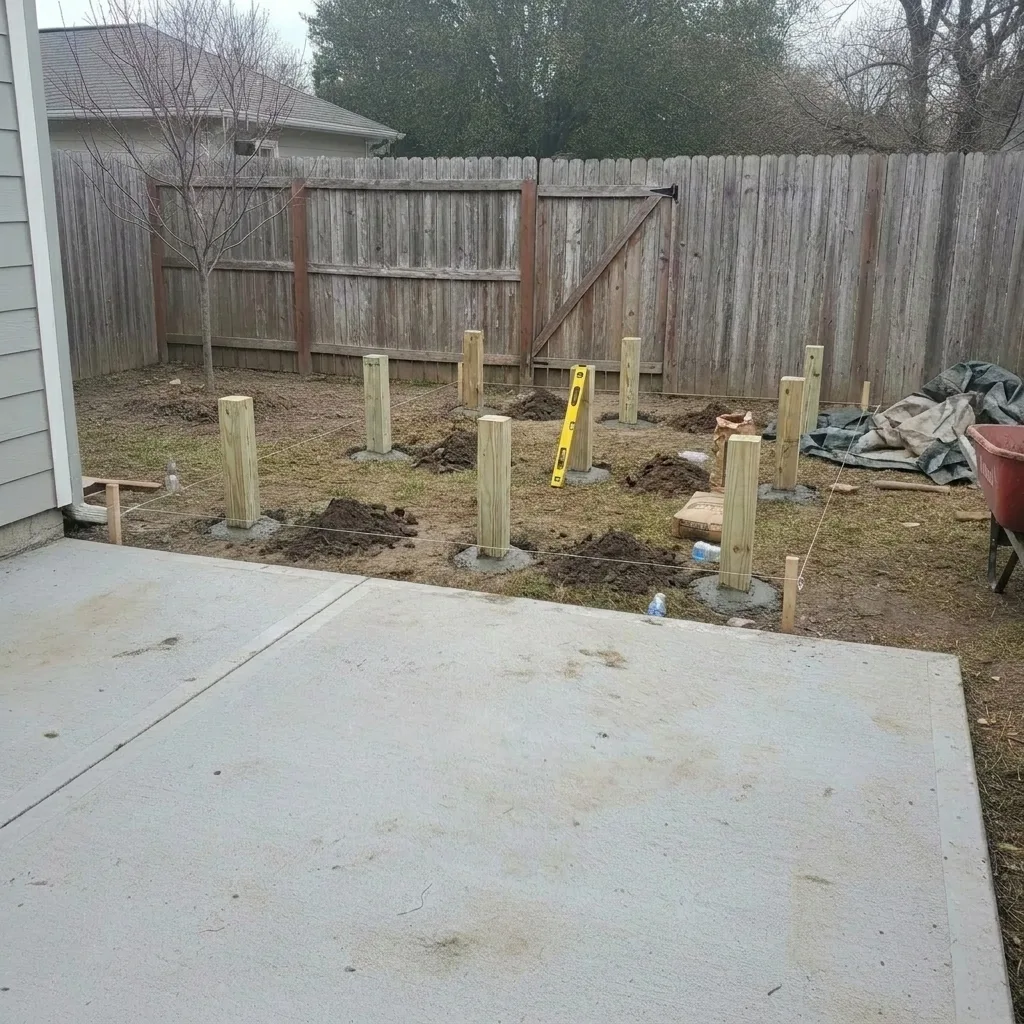
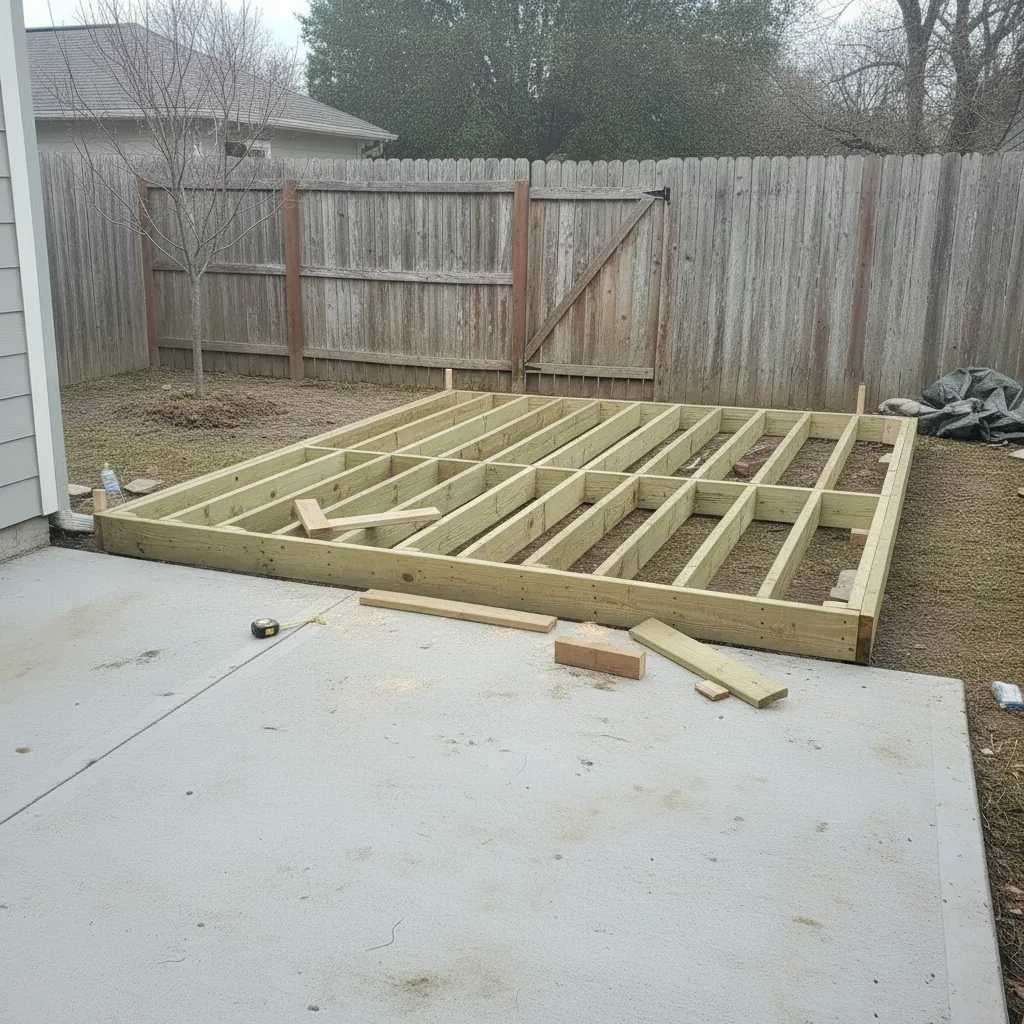
How web galleries work
Select your best photos
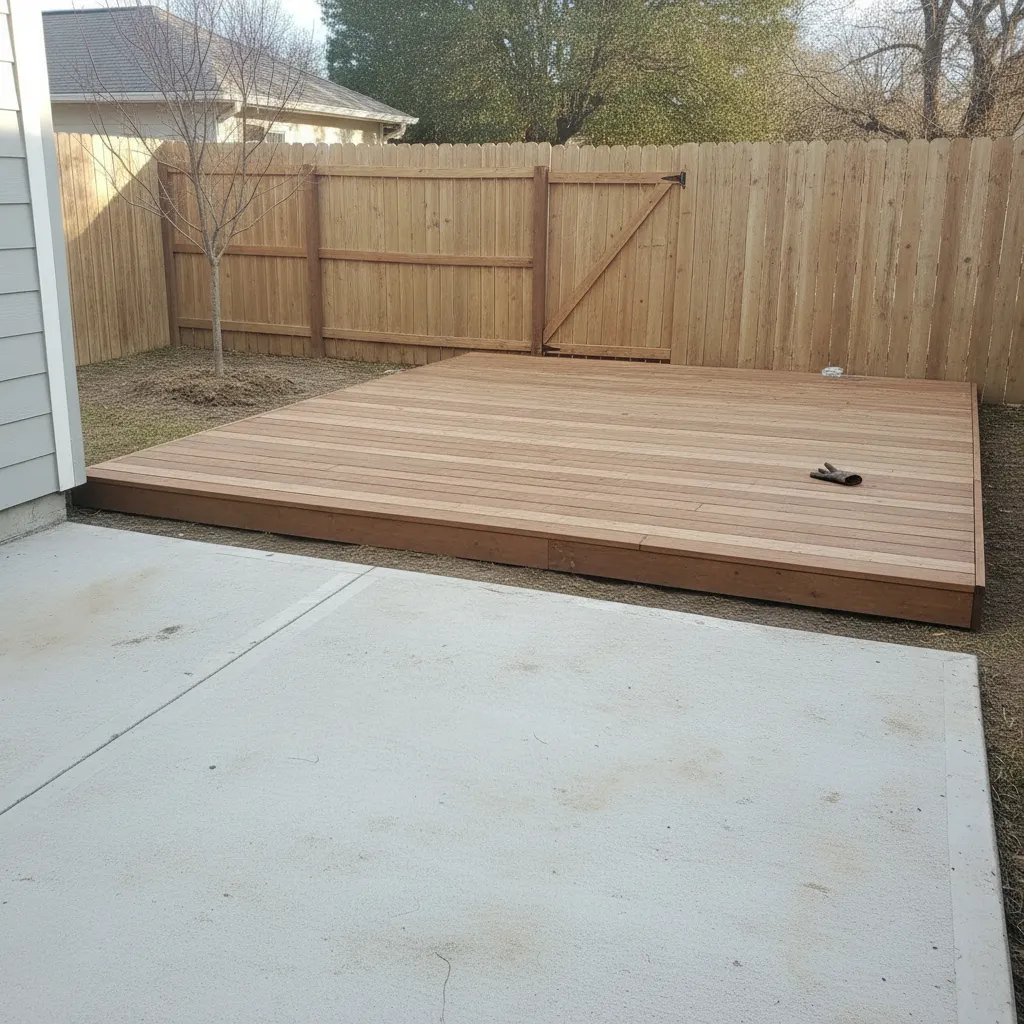
Pick the hero shots from any completed project. Choose before/after pairs, drone shots, or final walkthrough photos — whatever shows off your work.
Generate an embed code
LibreCam creates a responsive embed snippet. Copy it and paste it into your website builder — Squarespace, Wix, WordPress, or raw HTML.
Clients browse and call
Visitors see a professional photo gallery of your completed work. Filterable by trade, project type, or location. The photos sell the next job.
Your work, front and center
One-line embed
Paste a single line of code into your website. The gallery loads fast, looks professional, and works on every screen size.
Before/after showcases
Include swipe-to-compare pairs in your gallery. Nothing sells a renovation like a side-by-side transformation.
Filter by project type
Visitors filter by trade — roofing, painting, kitchens, bathrooms. They see the work that's relevant to their project.
Auto-updating
Mark a project as 'showcase-ready' and it appears in your gallery automatically. No re-embedding, no manual uploads to your website.
Responsive on every device
The gallery adapts to phones, tablets, and desktops. Homeowners browsing on their phone see the same professional presentation.
Match your brand
Customize gallery colors and layout to match your website. Your brand, your photos, your portfolio.