 Libre
LibreFree Daily Construction Report Template
Download it as PDF. Or generate it automatically from your job photos — in 2 taps.
Template Preview
Here's what the daily report looks like — filled out with real project data.
Weather Conditions
- High
- 72°F
- Low
- 48°F
- Conditions
- Clear
- Humidity
- 22%
- Wind
- 5 mph NW
- Precipitation
- None
Crews on Site
- Dave Johnson (GC) — 7:00 AM – 4:30 PM
- Carlos Reyes (Tile) — 8:00 AM – 2:00 PM
- Rivera Fence & Deck (3 workers) — 7:30 AM – 4:00 PM
Work Performed
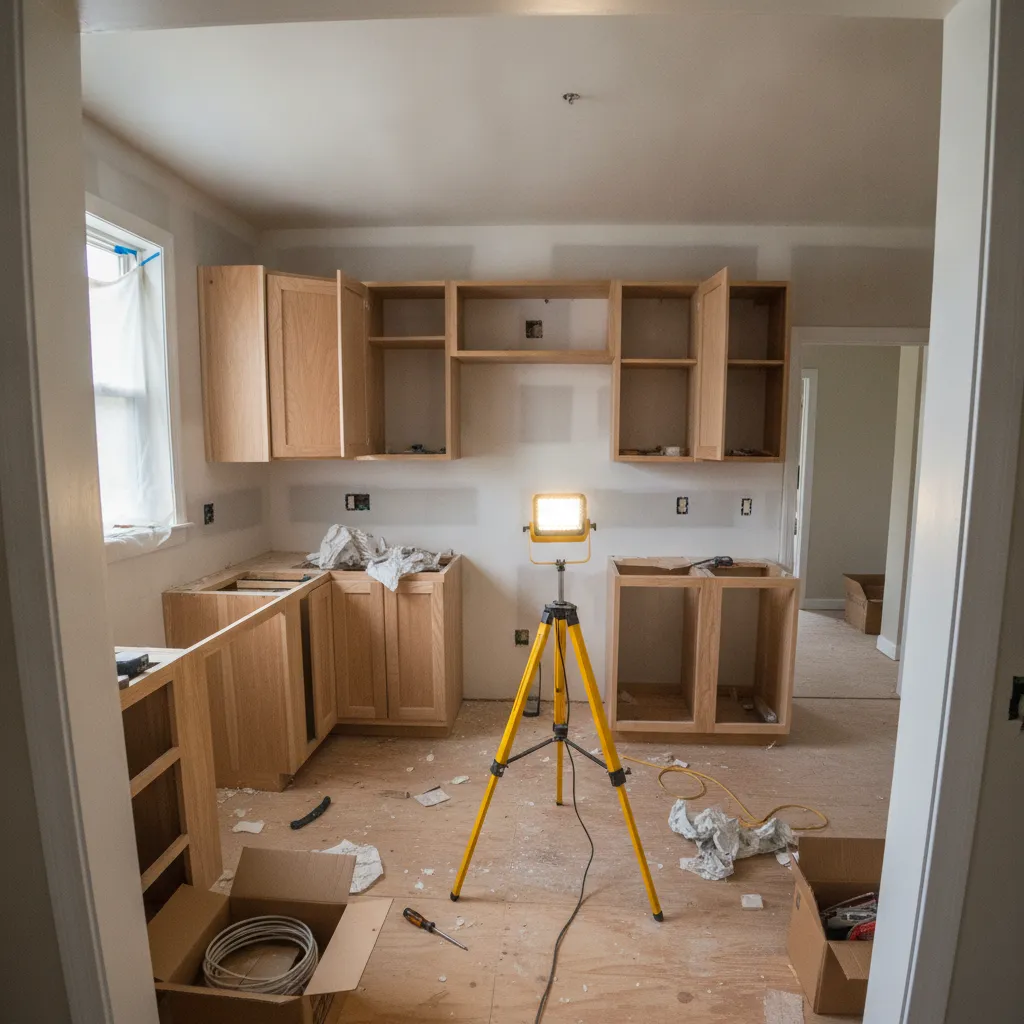
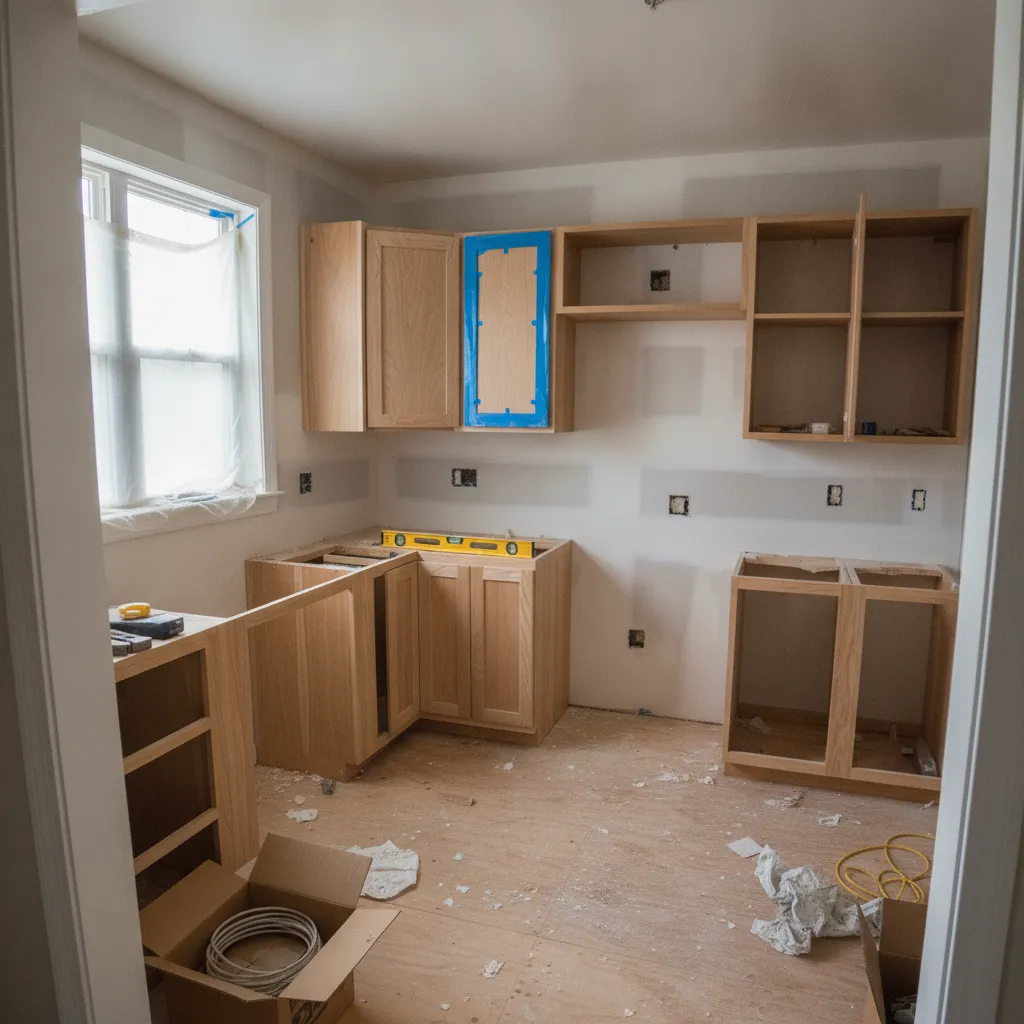
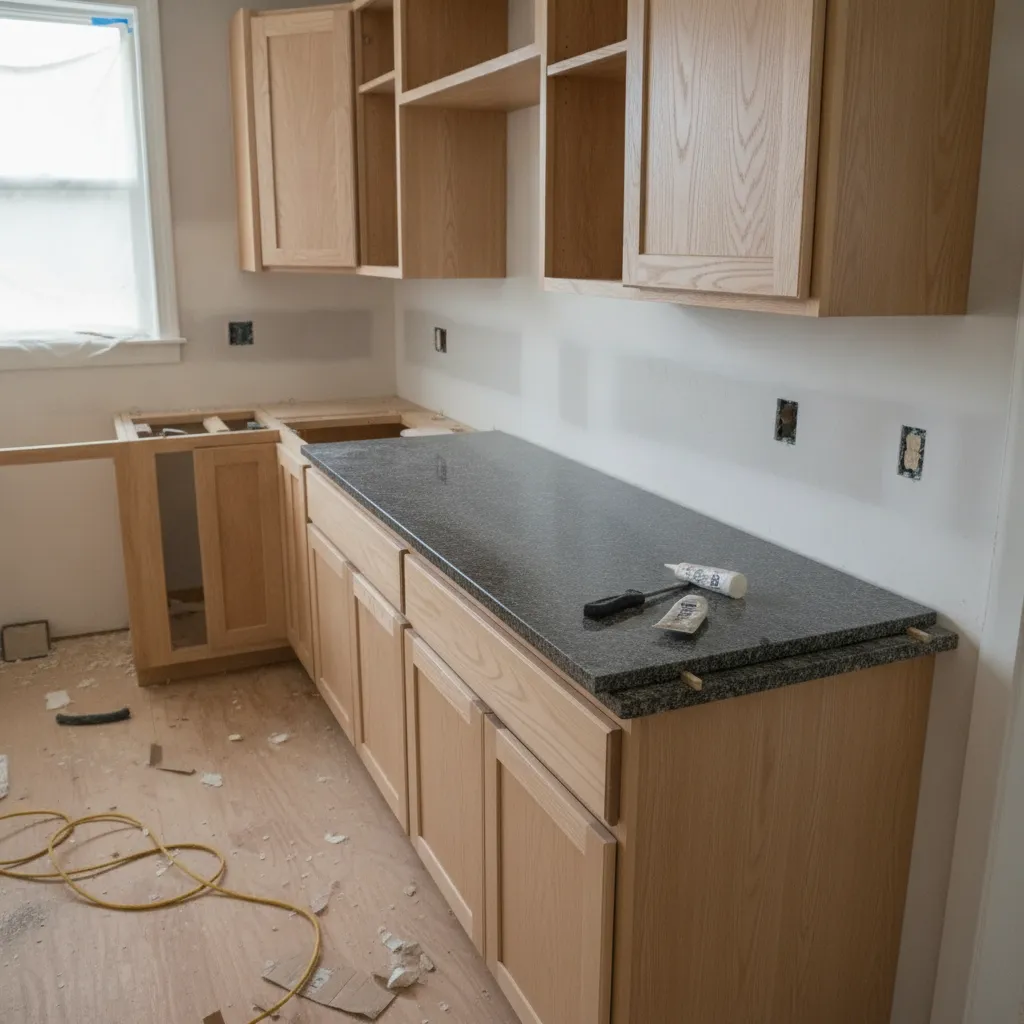
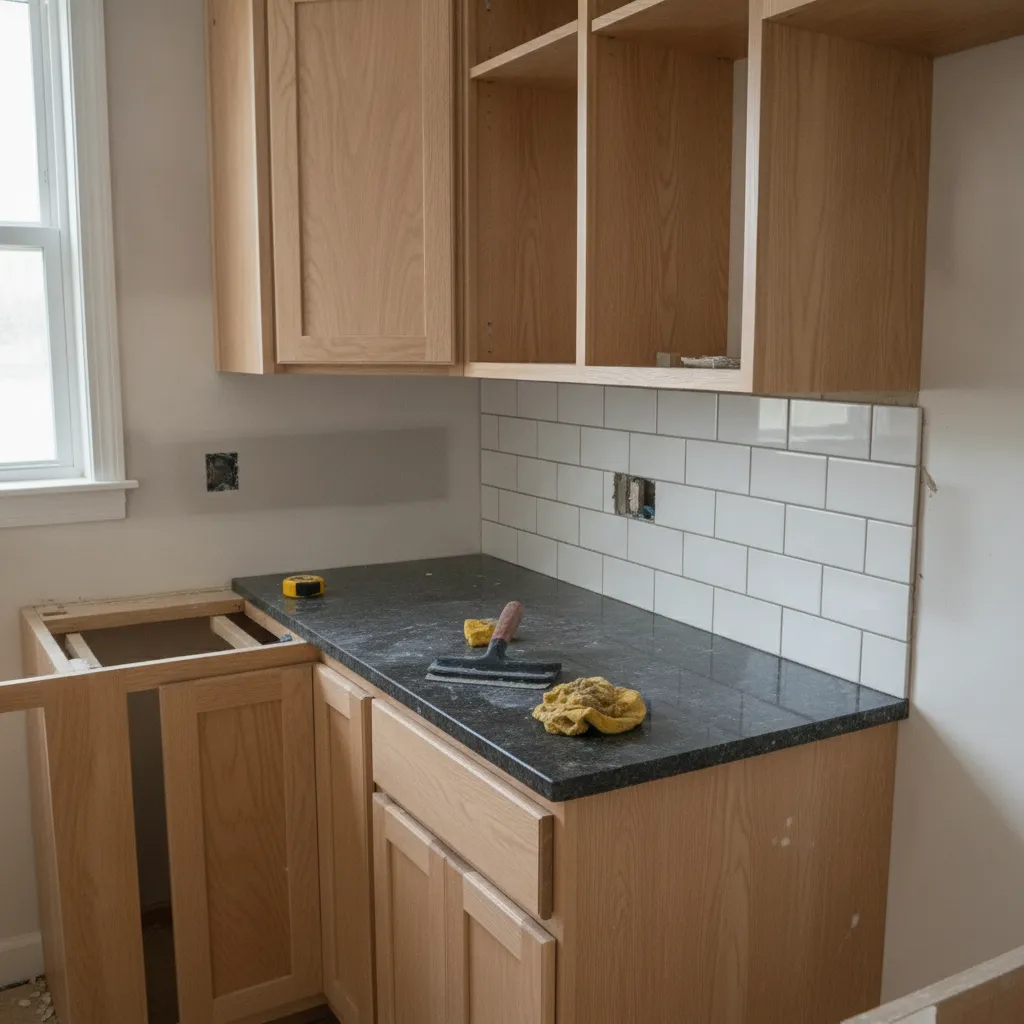
- Kitchen — cabinets installed and leveled, countertop slab set, backsplash tile finished (see photos 1–4)
- Backyard — fence-post footings dug, posts set in concrete, deck framing started (see photos 5–8)
Deliveries
- Countertop slabs (granite, 2) delivered — inspected, no damage
- Pressure-treated lumber & cedar pickets — staged in driveway
Issues / Notes
- Existing fence line out of square at NE corner — adjusted post spacing (photo 12)
- Waiting on permit inspection — scheduled for 2/24
Photos (14 attached)
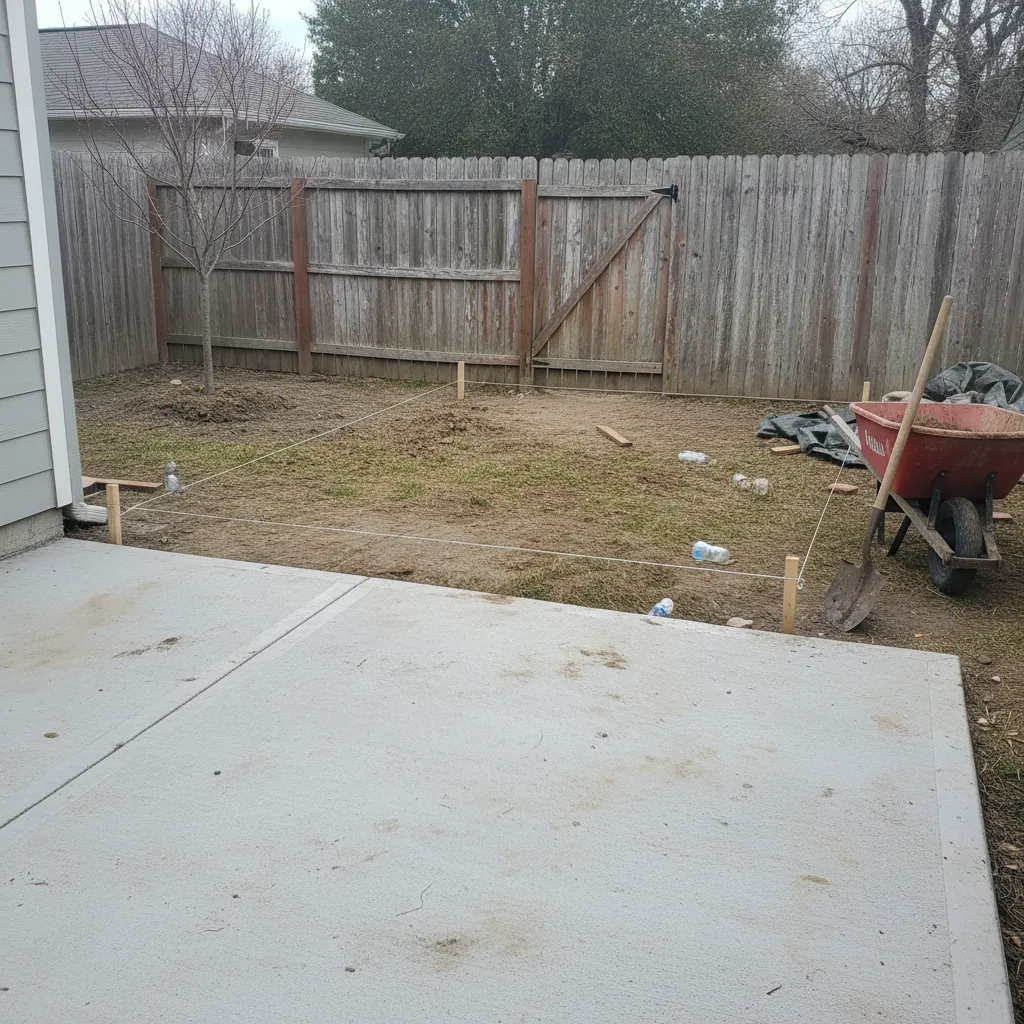
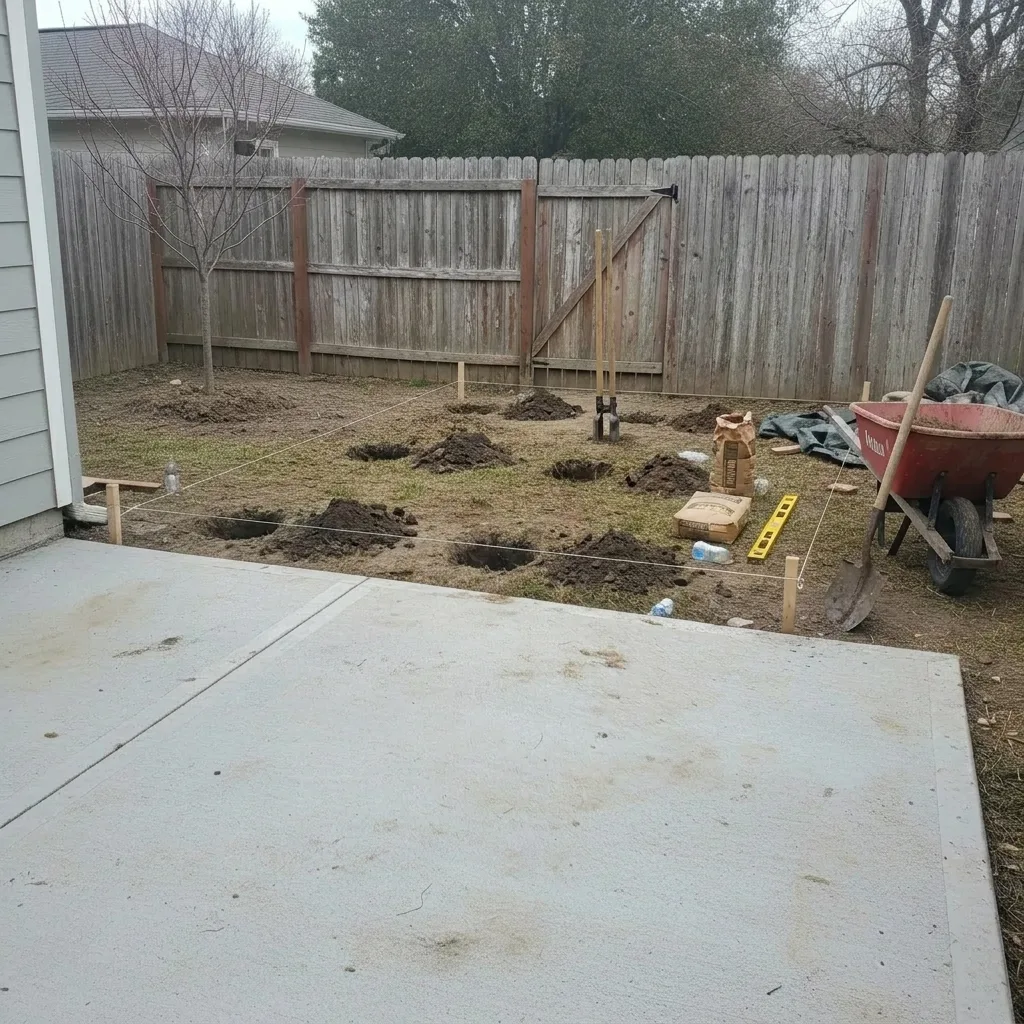
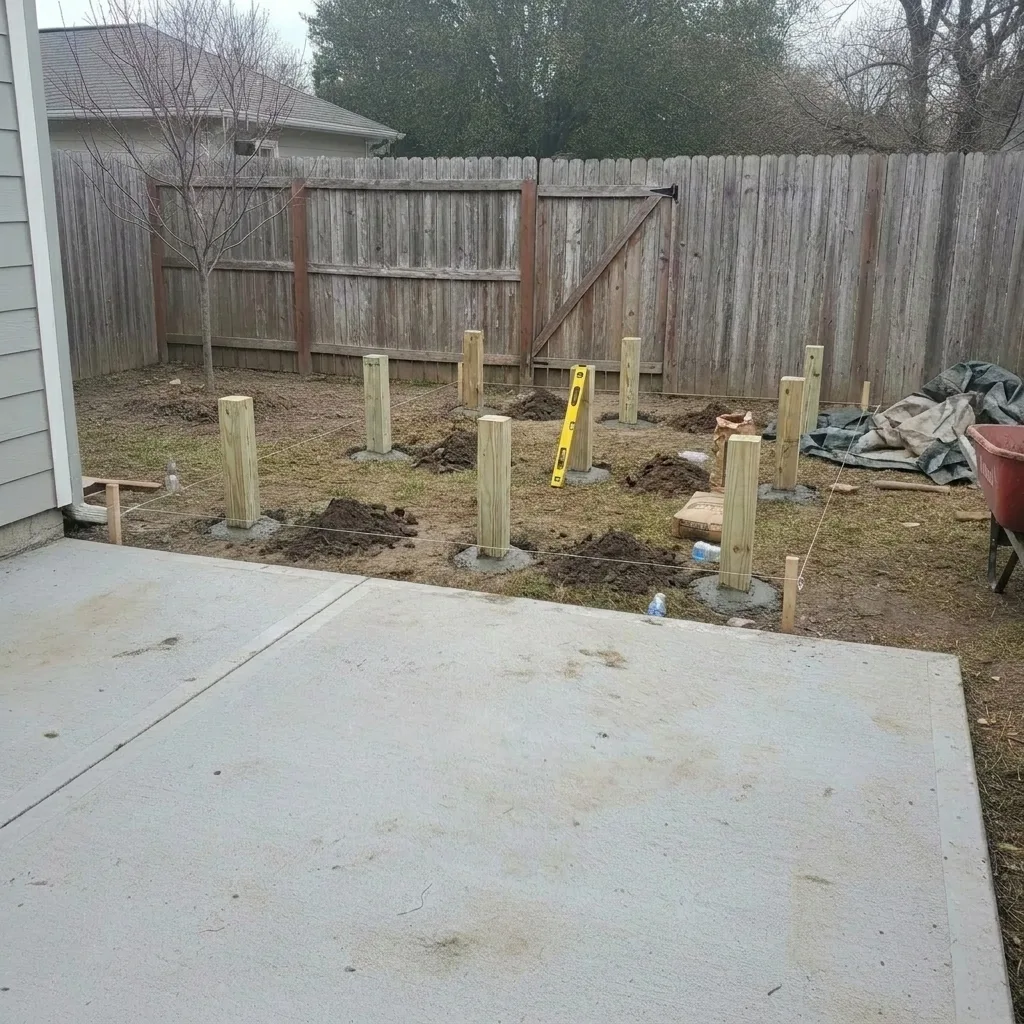
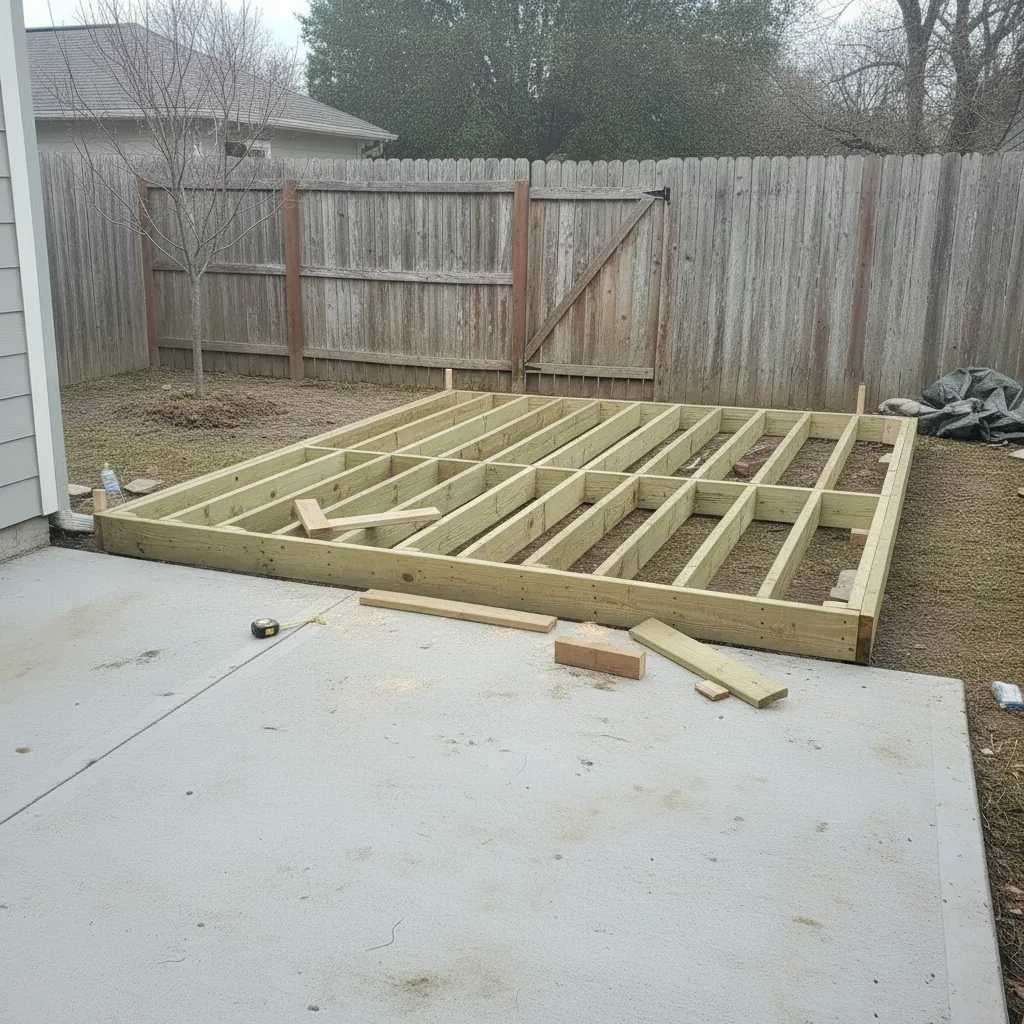
What is a daily construction report?
A daily construction report is a dated, jobsite-level record of what happened on site that day — weather, who worked and for how long, work completed, deliveries, equipment, and any delays or safety issues — backed by photos. Contractors keep one to track progress, justify payment applications, and hold a contemporaneous record if a schedule or quality dispute comes up later. This free template covers every standard field, and LibreCam can generate the same report automatically from the day's job photos.
What should a daily construction report include?
At a minimum, capture seven things: project and date, weather morning and afternoon, labor by trade with actual hours, work performed by location, materials and deliveries received, equipment on site and any downtime, and issues, delays, or RFIs. Safety belongs there too — toolbox talks, PPE checks, and any incidents. The breakdown below follows the structure used in AGC and AIA A201 daily-log practice, so the record reads the way an owner, inspector, or attorney expects.
Standard daily report fields
| Section | What to record |
|---|---|
| Project & date | Job name, address, report number, prepared-by, hours on site |
| Weather | AM/PM temperature, wind, precipitation, ground conditions |
| Labor | Each sub and trade, headcount, actual start and stop times |
| Work performed | Task, location or gridline, quantities installed |
| Materials & deliveries | Supplier, ticket number, quantity, condition on arrival |
| Equipment | On-site units, hours run, any downtime |
| Issues & safety | Delays, RFIs, toolbox talks, PPE, incidents |
| Photos | Geotagged, timestamped shots tied to each item above |
How to use this template
Download or Copy
Download the PDF template, or start using LibreCam to generate reports automatically.
Fill It In Daily
Record weather, crews, work performed, deliveries, and any issues. Attach photos.
Share With Stakeholders
Send to the GC, homeowner, or project manager. Keep everyone in the loop.
Why does a daily report hold up for payments and disputes?
Because it's contemporaneous. A report filled in the same day — not reconstructed weeks later — carries weight as a business record, and it's the backup behind a payment application when an owner questions what got done. If a delay claim or a defect argument lands in front of an attorney, a consistent daily log with geotagged photos is the difference between proof and recollection. That's why the photo timestamps matter: they tie the day's narrative to a verifiable moment instead of a memory. Crews moving off paper often start with the free daily report alternative.
How do you generate a daily report from job photos?
Shoot the day's work with the construction photo app and the report mostly fills itself. Weather, GPS location, and timestamps come straight off the photos, so at the end of the day you select the shots and the log assembles — crews, work performed, and issues attached to the images that prove them. It beats retyping a paper form in the truck at 6 PM. See how photo-driven daily reports work.
Frequently Asked Questions
Project and date, weather, labor by trade with hours, work performed by location, materials and deliveries, equipment and downtime, and issues, delays, or RFIs — plus safety notes and geotagged photos. The template above lays out every field.
It can be. A daily log filled in contemporaneously functions as a business record and is routinely used to support payment applications and to defend delay or defect claims. Consistent dating and photo timestamps are what give it weight.
The best one is the report you'll actually finish. LibreCam generates the daily log from your job photos for free, filling weather, location, and time automatically. Compare the best daily report apps.
Yes. LibreCam lets you add your company logo, adjust sections, and save custom templates for different project types.
Yes. Take photos during the day. At the end of the day, select your photos and tap Generate. Weather, location, and timestamps are filled in automatically.
Yes. Reports export as professional PDFs you can email, text, or print.