 Libre
LibreThe free construction photo app for contractors
Capture GPS-tagged jobsite photos offline, sort them by project automatically, and share with clients and adjusters — for your entire crew, with no per-seat fees.
What is a construction photo app?
A construction photo app captures jobsite photos with GPS and timestamp metadata, organizes them by project, and lets crews share clean photo records for progress updates, insurance claims, disputes, and warranty callbacks — without a per-seat bill. LibreCam is a mobile jobsite photo app for contractors, roofers, restoration teams, and small crews, and its core capture, organizing, and sharing tools are permanently free for unlimited users. A phone's camera roll can't tie a photo to a job, sort it by trade, or hand a homeowner a tidy gallery.
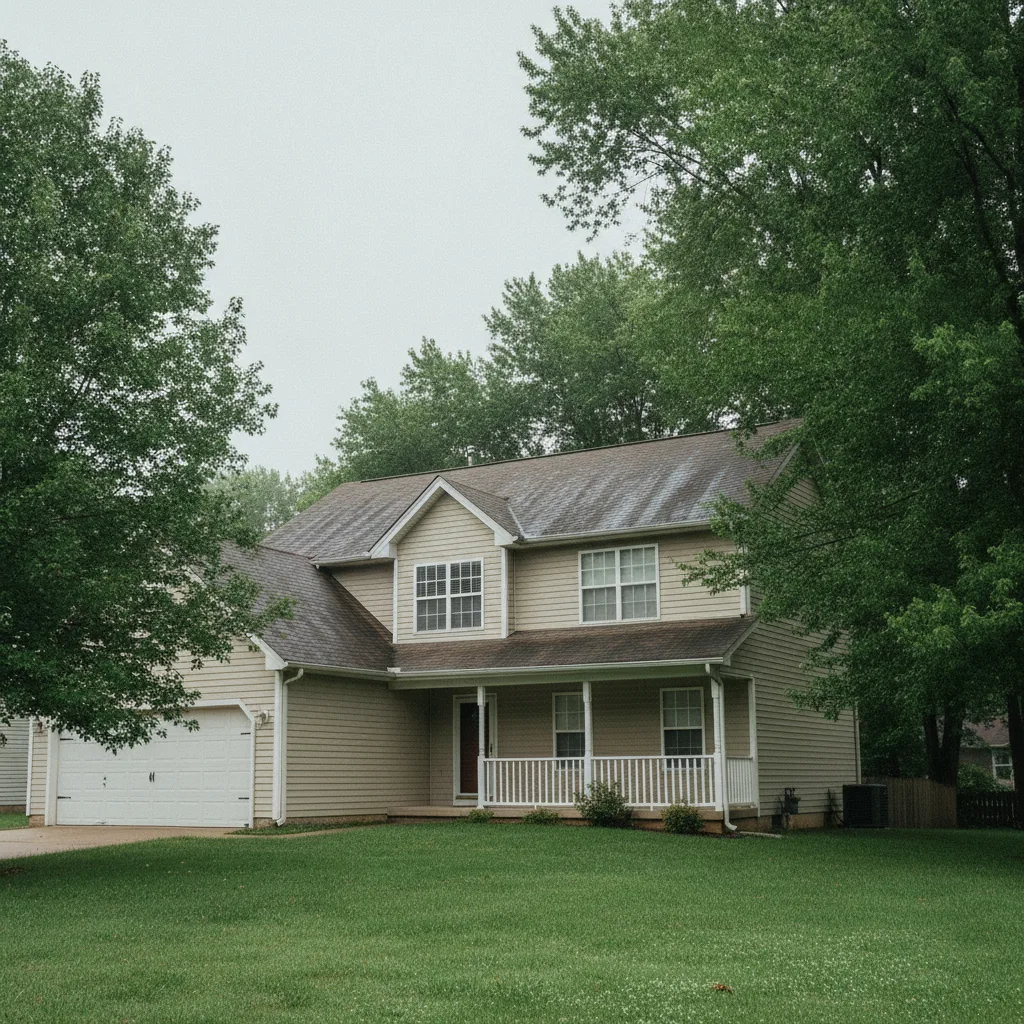
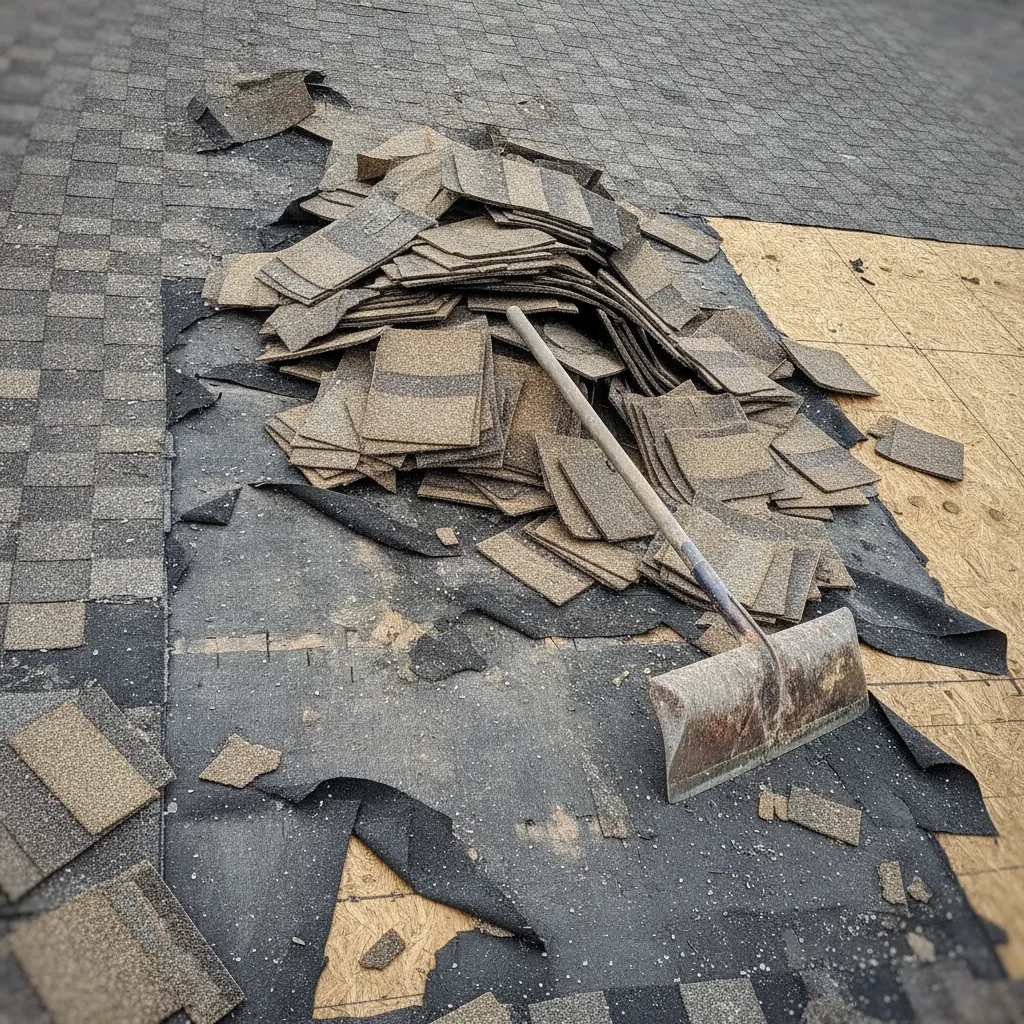
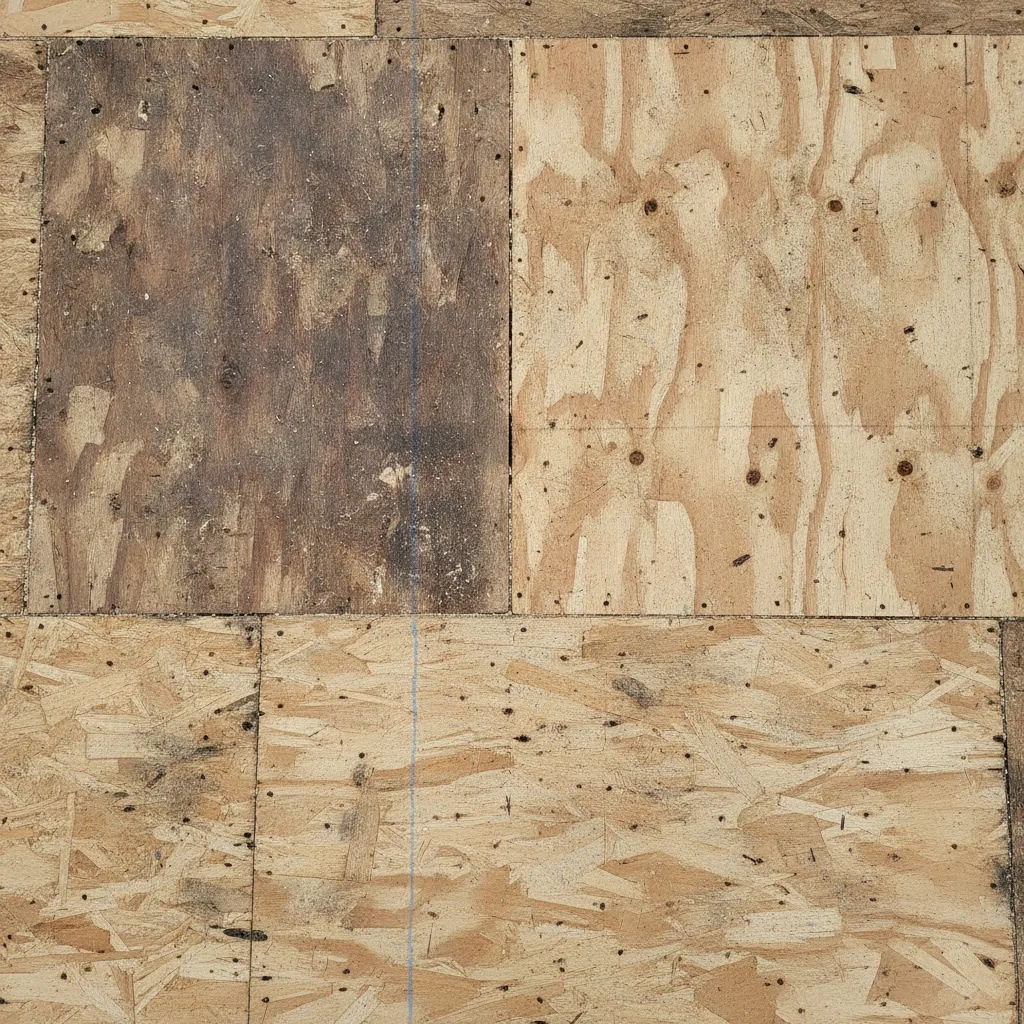
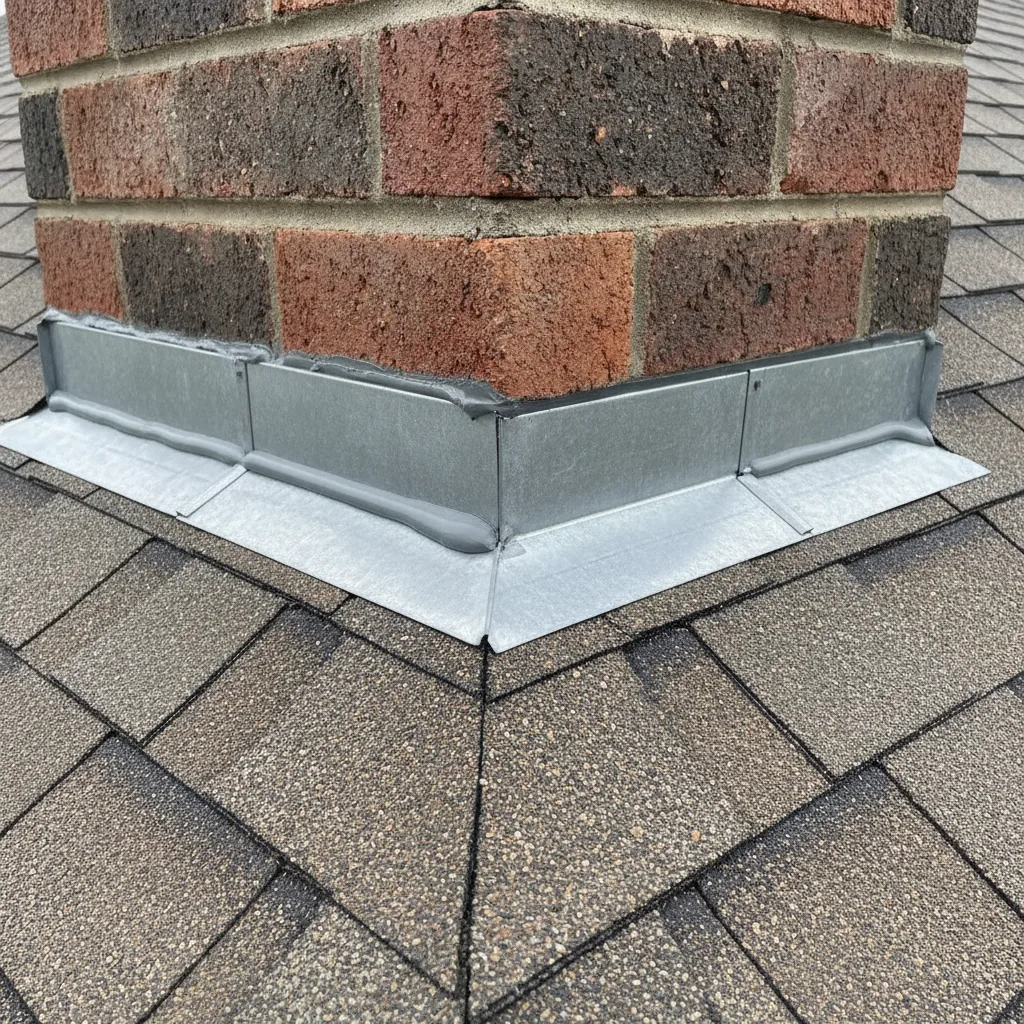
One job, one organized photo record
Photos land in the right project automatically — stamped with time and GPS, grouped by phase — instead of scattering across personal phones.
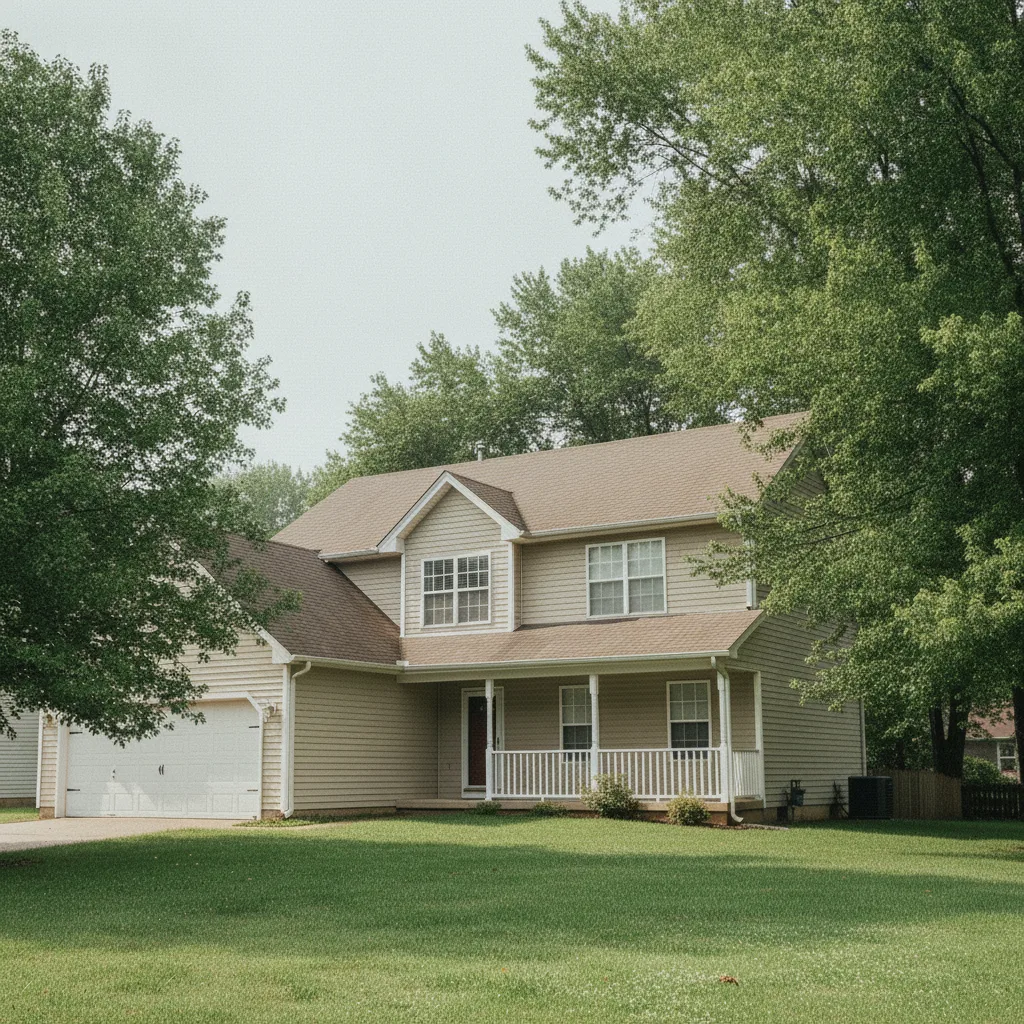
How does LibreCam capture a photo offline?
A crew member takes a photo in the field, and LibreCam saves the GPS coordinates and timestamp at the moment of capture, then queues the upload until service returns. The office sees the shot once it uploads — nobody has to rename files, rebuild folders, or re-send images from a personal phone. Basements, elevator shafts, and rural roofs stop being dead ends for documentation. More on offline reliability and how capture works.
What does a jobsite photo app need to do?
Capture fast, save date/time and GPS, work without signal, organize by project, and make sharing simple. The best app is the one your crew will actually use while the work is happening.
Capture in one tap
Shoot photos, video, and voice notes that auto-stamp with date, time, and GPS the second you take them. No forms to fill or folders to pick first — that friction is what sends crews back to the camera roll.
Works in dead zones
Capture offline and LibreCam queues every shot, then uploads on its own when signal returns. You never lose proof of a rebar tie or a tear-off because the basement had no bars.
Sorted by project, automatically
Every photo lands in the right job and can be tagged by phase or trade, so pulling the one shot an adjuster wants takes seconds — not a scroll through 4,000 camera-roll images.
Free for the whole crew
Field techs, office staff, subs, and the homeowner all get access at no cost. No paid seats, no $29-per-person bill for adding the help you already hired.
How should a crew document a job?
Shoot in a repeatable order, not at random. We call it the three-shot method: a wide shot for context (where the work is), a medium shot tying the detail to a fixed reference like a stud or gridline, and a close-up of the actual fastener, defect, or label. Capture those same angles before work starts and again when it's done, and you hold a before-and-after record the office can stand behind. LibreCam tags each shot to the job for you, so the sequence stays intact without anyone renaming files at the end of the day.
How do contractors share or export jobsite photos?
Handoff stays simple: filter photos by project, date, tag, or phase, then share a clean web gallery or build a PDF photo report. Need the files somewhere else? Export the photos or the whole gallery and attach them to the email, claim file, project folder, or customer record your team already uses. You keep full ownership of every original — no vendor lock-in, no zip-link-to-yourself routine.
LibreCam vs. CompanyCam, Fieldwire, and Raken
| LibreCam | CompanyCam | Fieldwire | Raken | |
|---|---|---|---|---|
| Starting price | Free | $63/mo (Core) | Paid, per seat | Paid, per seat |
| Cost to add a user | $0 | $29/mo | Per seat | Per seat |
| Free plan | Unlimited users | None (trial only) | Limited | None |
| Offline capture | ✓ Yes | ~ Partial | ✓ Yes | ✓ Yes |
| GPS + timestamp | ✓ Yes | ✓ Yes | ~ Partial | ✓ Yes |
| Auto-organized by project | ✓ Yes | ✓ Yes | By blueprint | ✓ Yes |
| Share link, no login | ✓ Yes | ~ Partial | ✗ No | ✓ Yes |
Why do contractors stop paying per seat?
Most construction photo apps bill per user. CompanyCam starts at $63/month for a single user and jumps to $119/month for a three-person crew, adding $29 for every seat after that, billed annually, with no free plan (companycam.com/pricing, July 2026). Add two subs and an office admin to a crew and you're past $200 a month before anyone takes a single photo. LibreCam is free for unlimited users, so handing access to a sub or a client costs nothing. Read the full CompanyCam pricing breakdown, or see how the same free app fits a one-person shop in the contractor photo app and a multi-trade site in the jobsite photo app.
Will the photos help with an insurance claim?
They give the office a clearer record. Every LibreCam photo carries GPS coordinates and the capture date and time, so when a homeowner, adjuster, or warranty reviewer asks what happened onsite, you have a located, time-stamped answer instead of a guess. Roofing and restoration crews documenting storm and supplement work lean on that timeline most.
Frequently Asked Questions
Yes. LibreCam captures photos offline and queues them on the device, then uploads automatically once you reconnect. Crews in basements, shafts, or rural sites never lose a shot.
Yes. Share a read-only web gallery link and clients or adjusters open it in a browser — no account, no app download, no seat to buy.
Yes. Export full-resolution photos or a whole gallery with their metadata, then attach them to a claim file, email, or cloud folder. You keep every original file.
Yes. Photos sort into the right project automatically, and you can tag them by phase or trade so finding one shot takes seconds instead of scrolling.
Each photo embeds GPS coordinates and the capture date and time, giving the office a grounded timeline for insurance claims, disputes, and warranty callbacks.
A free one with no per-seat fee. LibreCam is free for unlimited users and needs no training, so it fits one-person shops up through 20-person crews.
About the same as your phone's native camera. Capture is lightweight, and uploads run in the background only when you have signal, so a full day of shooting won't drain the crew's phones.
Yes, and it stays that way. Core capture, organizing, and sharing are permanently free for unlimited users. Enterprise adds more control and dedicated support for companies that need it.
Yes. LibreCam works as a free construction camera app: it shoots photos and video that auto-stamp with date, time, and GPS, then sort into the right job. Unlike your phone's camera, every shot ties to a project and a timeline.
Yes. Export your CompanyCam photos with their metadata and bring them across. Our CompanyCam alternative guide walks through the move.