 Libre
LibreThe free jobsite photo app for the whole crew
Every phone on the site feeds one organized record per job — GPS-tagged, timestamped, and shared with the office, subs, and the homeowner. No per-seat fees, no group-text chaos.
What is a jobsite photo app?
A jobsite photo app is a phone tool that collects the photos everyone on an active site is already taking and pulls them into one shared, GPS-tagged record per job instead of leaving them scattered across personal camera rolls. LibreCam does that for free, for the entire crew — field techs, subs, the foreman, and the office all shoot into the same job, and every photo lands stamped with the time and location it was taken.
Why do a jobsite's photos end up scattered across ten phones?
Because nobody decides where they go. The framer texts three shots to the GC, the foreman saves a dozen to his camera roll, a sub emails the office a couple, and by Friday the job's photo record lives in five places and no two people can find the same picture. A jobsite photo app fixes that by giving the site one destination: every shot routes to the right job automatically, so the record builds itself while the work happens. That is jobsite photo management without anyone playing librarian at the end of the day — and it is why a shared app beats a folder of texted images.
Every phone on the site, one shared record
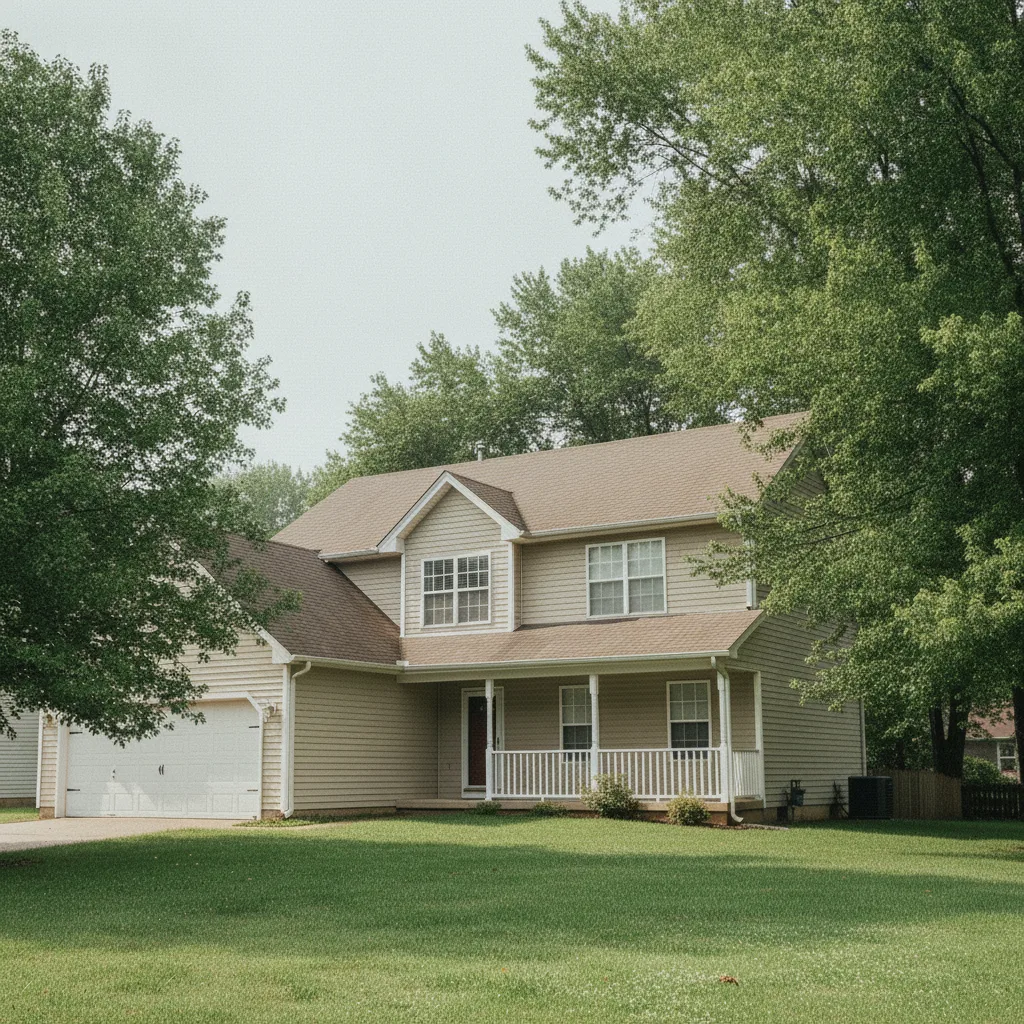
Whoever shoots it, the photo lands in the right job — stamped with time and GPS, grouped by phase — so the whole crew is looking at the same gallery.
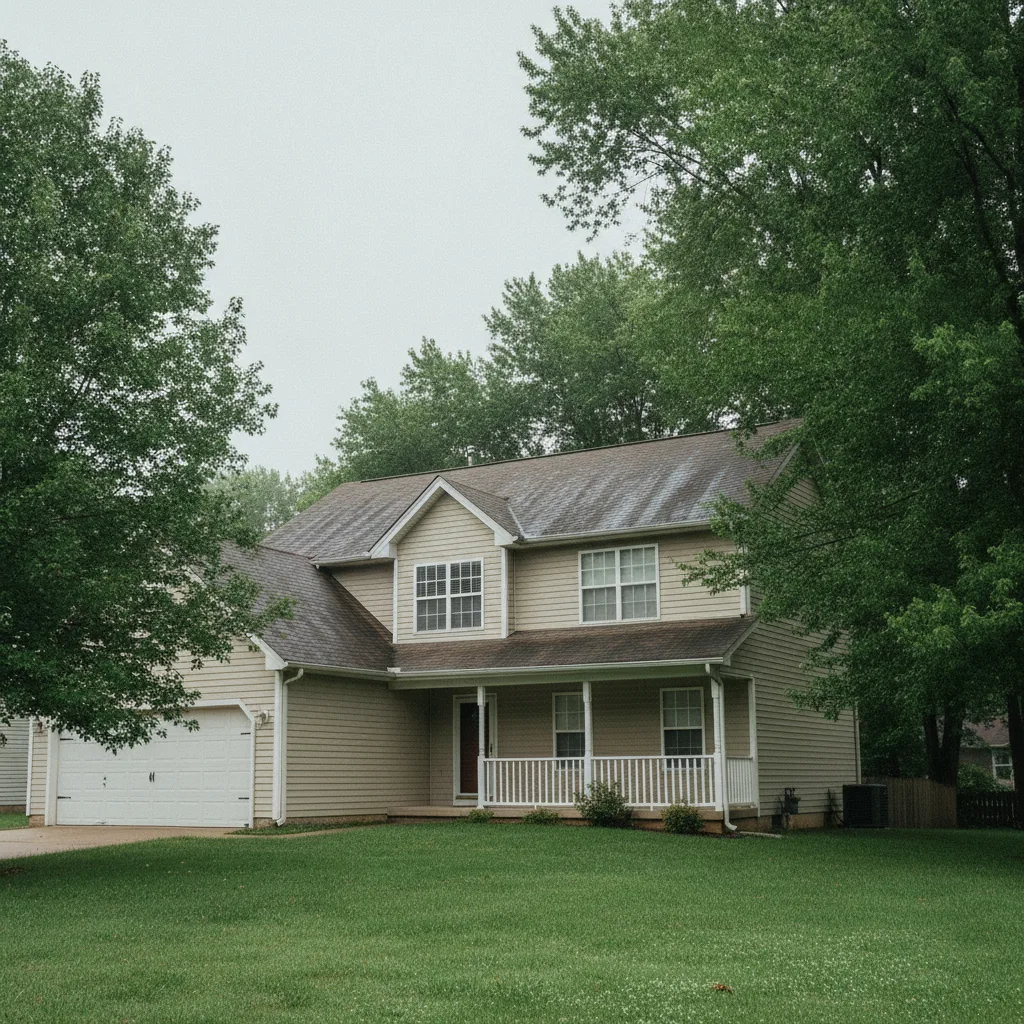
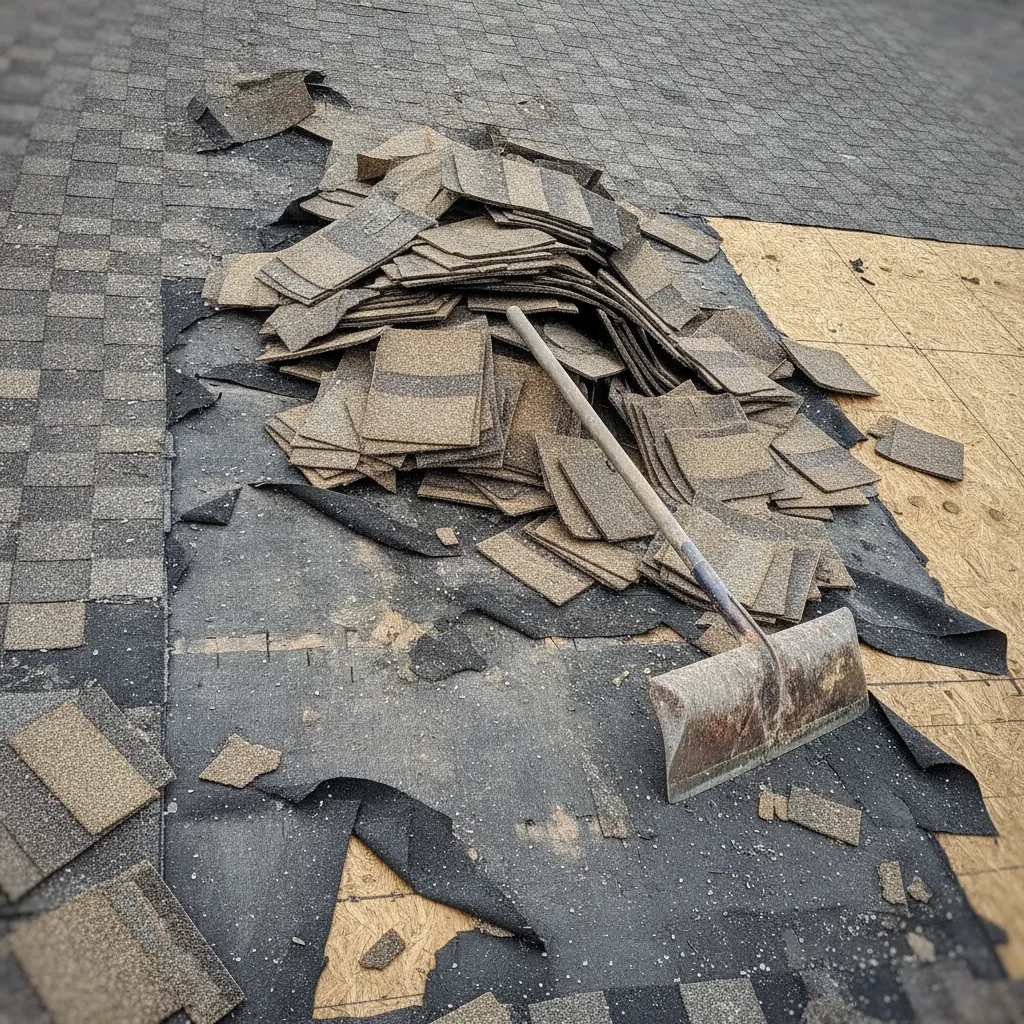
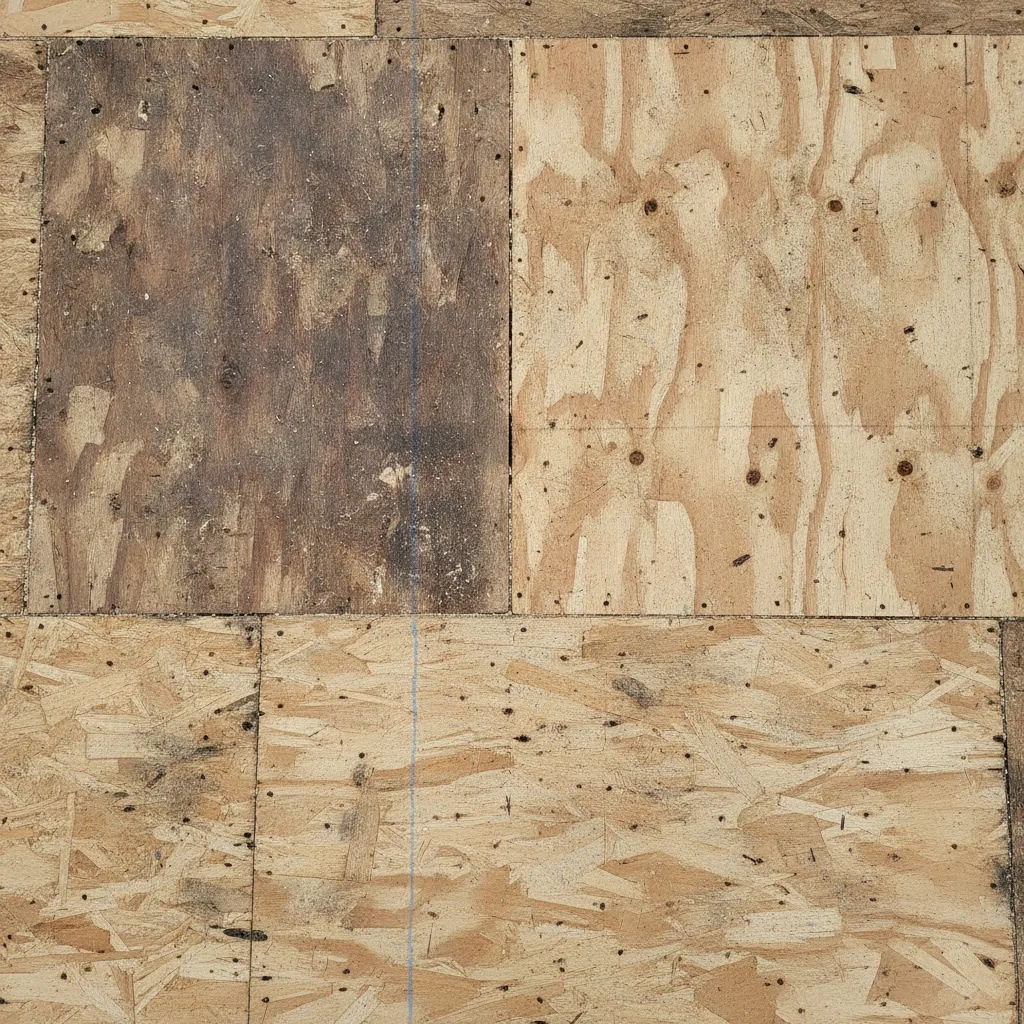
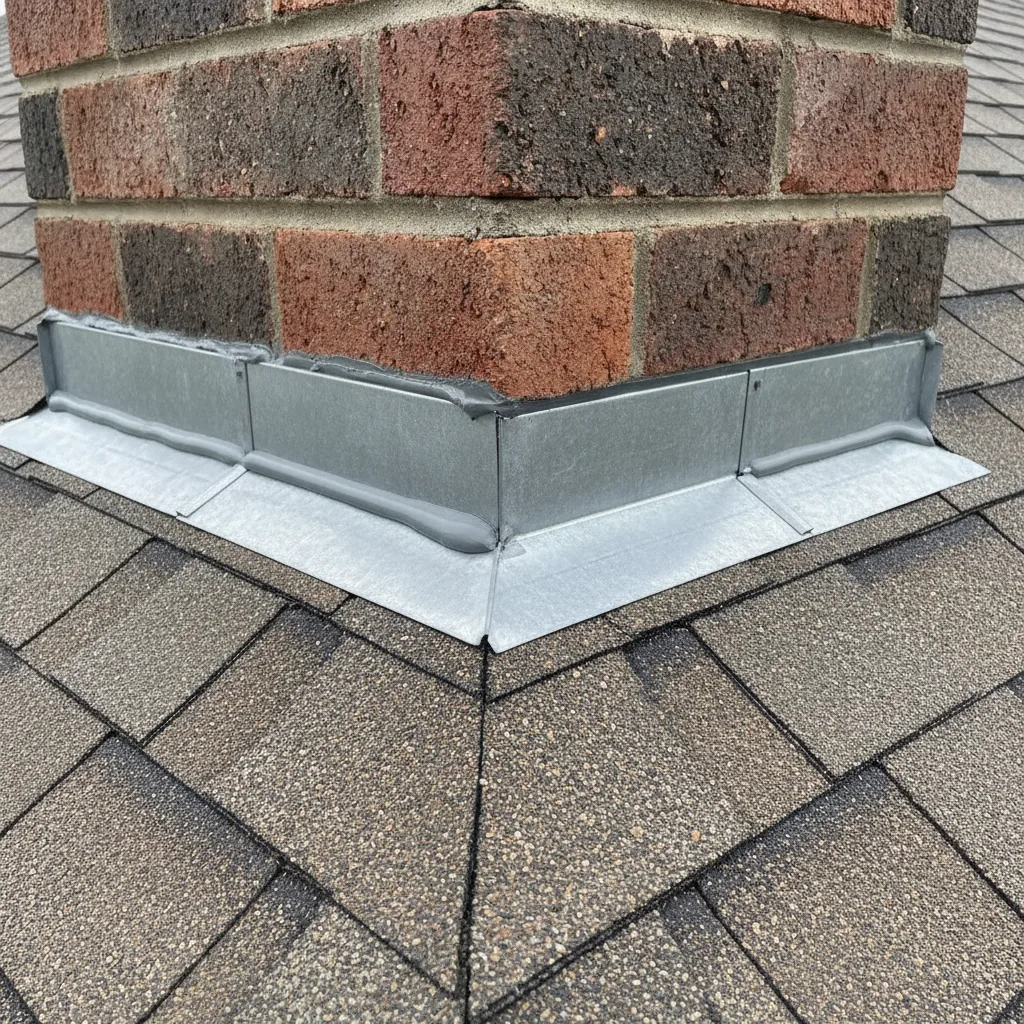
Can the office see the jobsite without driving out?
Yes. As each photo uploads, it shows up in the project back at the office — so a PM can check whether the rough-in passed or the delivery landed without burning an hour in the truck. On a site with no signal, LibreCam holds the shots on the phone and sends them the moment bars come back, in order, with their timestamps intact. The office gets eyes on the field; the crew never stops to upload.
What should a jobsite photo app do for a crew?
Pull every phone into one record, keep working when the signal drops, and let the office and the trades see the same photos — without charging you for each person who needs in.
One shared record per job
Every photo from every phone routes to the right job and can be tagged by phase or trade. No more hunting through five people's camera rolls for the one shot the adjuster asked for.
Keeps working in dead zones
Capture offline in basements, stairwells, and rural sites. LibreCam queues each shot on the phone and uploads it on its own once signal returns — nothing trapped, nothing lost.
Free for subs, inspectors, and the GC
Anyone who needs to shoot or see the site gets in at no cost. No paid seats, no $29 charge every time a sub or an inspector needs to look at a photo.
Share without an app download
Send a read-only gallery link and the homeowner, adjuster, or GC opens it in a browser. No account to make, no app to install, no seat to buy.
How do you share jobsite photos with subs, inspectors, and the GC?
Filter the job's photos by phase, trade, or date, then hand them over the way that fits the audience: a live web gallery link for a homeowner watching progress, a PDF photo report for the GC's file, or a straight export to attach to a claim or a project folder. Because access is free, you can drop the inspector and the sub straight into the gallery instead of texting them a handful of pictures and hoping they have the rest. You keep every original file.
Putting the whole site crew on one app
| LibreCam | CompanyCam | |
|---|---|---|
| Add a sub or inspector | Free | $29/mo each |
| Per-job shared gallery | ✓ Yes | ✓ Yes |
| Office sees photos as they upload | ✓ Yes | ✓ Yes |
| Share link, no login or app | ✓ Yes | ~ Partial |
| Capture with no signal | ✓ Yes | ~ Partial |
| Price for the whole site crew | Free, unlimited | $119/mo + $29/seat |
Why does adding the whole jobsite crew cost nothing?
Because LibreCam does not bill per seat. Most jobsite photo apps do: CompanyCam starts at $63/month for one user, jumps to $119/month for a three-person crew, and charges $29 for each person after that, billed annually, with no free plan (companycam.com/pricing, July 2026). On a real site that adds up fast — a GC, two subs, an inspector, and the office is already six people. LibreCam is free for unlimited users, so putting every phone on the site into the same record costs you nothing. Compare the best jobsite photo apps, see the full CompanyCam pricing math, or start with the broader construction photo app.
Frequently Asked Questions
Yes. LibreCam is free for unlimited users, so field techs, subs, inspectors, the GC, and the office all shoot into the same job at no cost. There is no per-seat fee and no paid tier.
Every photo routes to the right job automatically, no matter whose phone took it, and can be tagged by phase or trade. The job's record builds itself instead of scattering across personal camera rolls.
Yes. LibreCam captures offline, holds each shot on the phone with its GPS and timestamp, and uploads automatically when signal returns. Dead zones never cost you a photo.
Yes. Share a read-only web gallery link and they open it in any browser — no login, no app download, no seat to buy. You control what the link shows.
A group chat buries photos in a scroll and strips their location and time. A jobsite photo app keeps every shot in one searchable record per job, GPS-tagged and grouped by phase, so anyone can find the picture they need.
Yes, and it stays that way. Core capture, organizing, and sharing are permanently free for unlimited users. Enterprise adds more control and dedicated support for companies that need it.