 Libre
The no-nonsense, just works, seat-free alternative to CompanyCam.
No seat tax. No surprise invoices. Built for growing teams.


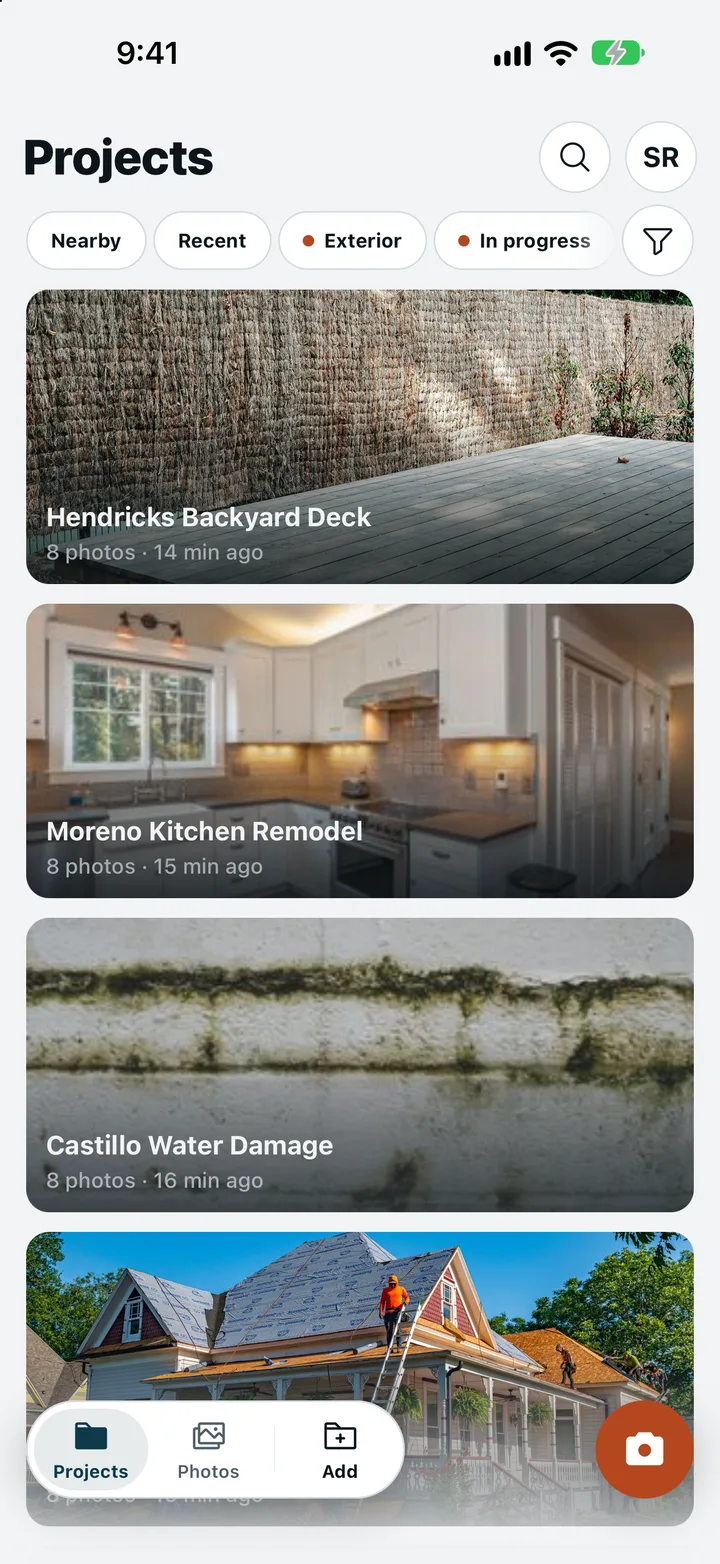
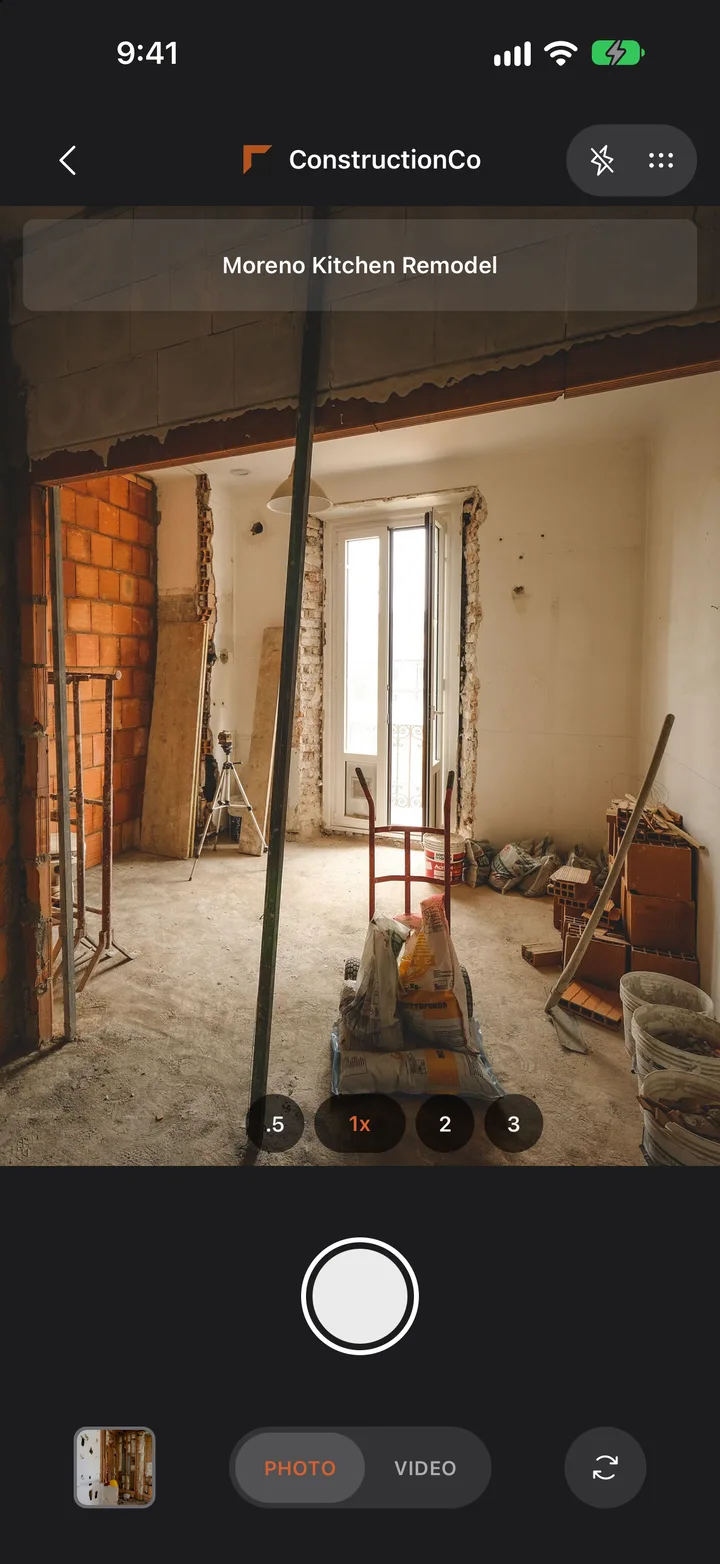
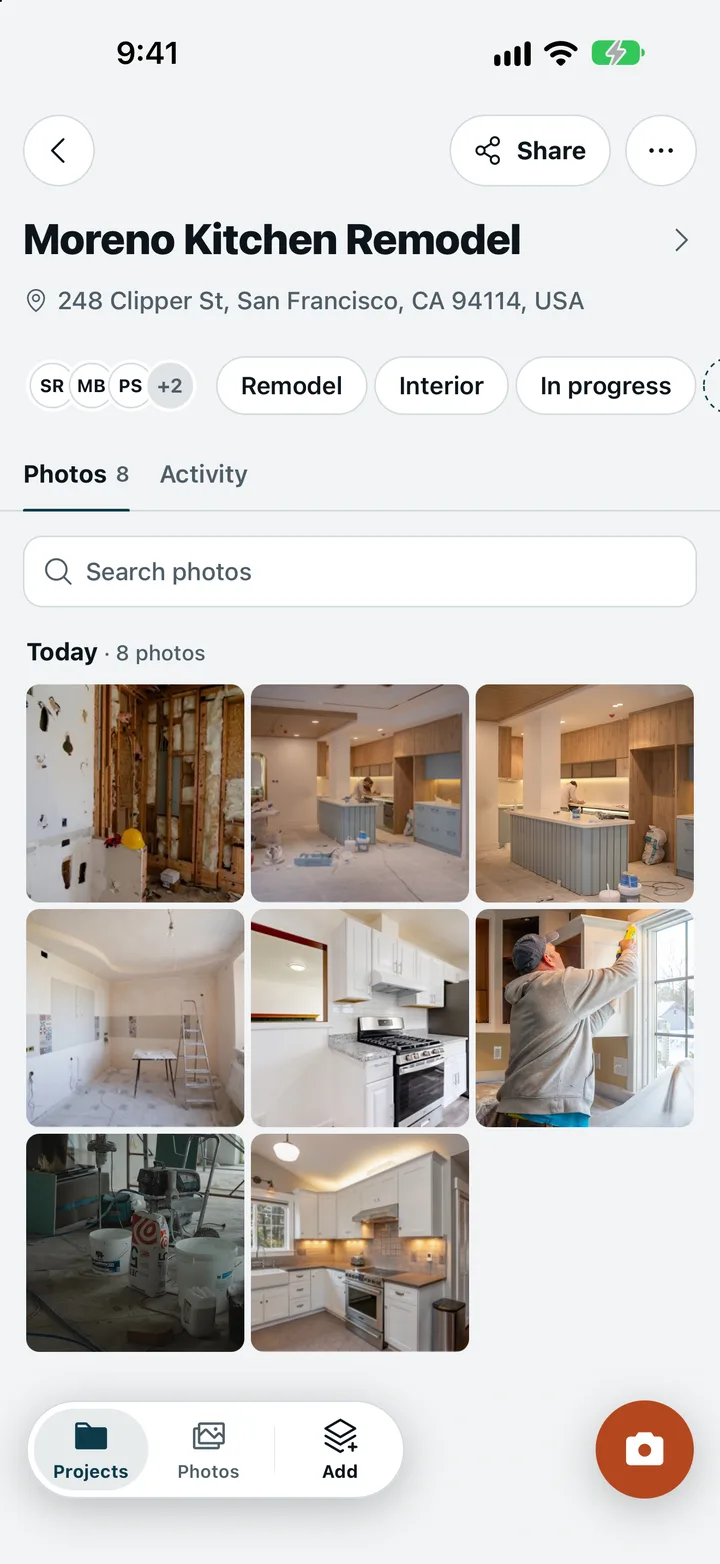
Photos land in the right job on their own. 8 photos, 3 minutes ago, nothing to file.
Why teams switch from CompanyCam
Real reasons from real contractors.
No more seat tax
CompanyCam charges per user, per month. Your foreman checks in once a week — why pay full price for that? LibreCam is seat-free: add everyone on your crew, no matter how many, and the price doesn't move.
Actually works offline
Basement, rural jobsite, metal building with no signal — doesn't matter. Take your photos and they sync the moment you get a bar of service. No spinning wheel.
Share without the hassle
Clients and adjusters don't want to download an app just to see your photos. Send them a link. They click it, they see everything. Done.
Daily reports in one tap
Pick the job, pick the date, hit send. The report pulls in that day's photos, notes, and weather automatically. Your office gets a clean PDF without chasing anyone down.
Friendlier terms
Export everything whenever you want, at full resolution with the metadata intact. The built-in MCP and API come with the free plan, no seat and no add-on. CompanyCam exports project by project; here your photos are yours to take, any day.
Why seat-free?
- Per-seat pricing decides who gets the camera. We'd rather everyone on the job has it.
- We charge for LibreCam Pro, for large teams that need guarantees, enterprise features, and advanced reports.
- Export anytime. Your data is yours, with no lock-in.
Seat-free means the crew, the subs, the office, and the client all get in, with no license to ration. And your photos are always yours to export.
Syncs with your tools
Jobs and customers come in. Photos, videos, and reports go back, on LibreCam Pro.










What contractors are saying
We were paying $500/month for CompanyCam across our crew. Switched to LibreCam and the office manager, the subs, the adjusters — everyone can see the photos for free. Same workflow, zero bill.
My guys are not tech people. They open the app, take the photo, and it shows up in the right job folder. That's all I needed. The daily report saves my office lady an hour every morning.
Half our jobs are in basements and crawl spaces with zero signal. LibreCam lets the crew shoot photos all day and everything syncs when they get back to the truck. We stopped losing before-and-after shots.
Frequently Asked Questions
Yes, to install and use. LibreCam is seat-free: no per-user fees, unlimited users and viewers, and adding people never moves the price. LibreCam Pro adds guarantees, enterprise features, and advanced reports for large teams. Photos export to any cloud storage you already use, so there's no lock-in.
From LibreCam Pro, for large teams that need guarantees, enterprise features, and advanced reports. The app your crew uses (photos, reports, sharing, offline) is free to install and use, including many features other apps charge for.
Honestly? Most contractors use about 80% of what CompanyCam offers — photos, daily reports, sharing with clients, and project organization. The other 20% is bells and whistles most crews never touch. LibreCam gives you that core 80% plus a few things CompanyCam doesn't — like true offline mode, no-app client links, and voice captions — with no per-seat fees. You're not losing features. You're dropping the ones you never used and gaining a few you actually will.
No. You send them a link. They open it in any browser on any device and see the photos. No download, no sign-up, no password. Adjusters, property managers, and homeowners all get the same easy experience.
Never. Your photos are yours. Export everything at any time — full-resolution images with all the metadata (date, time, GPS, notes). No vendor lock-in.
You can export everything at any time, so even if we disappeared, your photos and project data go with you.