 Libre
LibreThe free contractor photo app for solo pros
When you're the crew and the office both, you shouldn't pay per seat to document one job. Capture GPS-tagged photos, build before-and-after proof, and keep every file — free.
What is a contractor photo app?
A contractor photo app is a phone tool that turns the pictures you already take on a job into an organized, GPS-tagged record you can hand a client, attach to an invoice, or pull up two years later for a warranty call. LibreCam is built for the one-person shop and the small crew: it stamps every photo with the time and place it was taken, sorts it into the right job, and stays free no matter how many people you add.
Why do solo contractors pay for users they don't have?
Most contractor photo apps bill per seat with no free tier, so a one-person business is on the meter before it hires anyone. CompanyCam, for instance, starts at $63/month for its single-user Core plan and jumps to $119/month the moment you add a crew (companycam.com/pricing, July 2026) — a solo painter or handyman still pays $756 a year before a photo's taken. LibreCam has no per-seat charge and no paid entry: one person pays nothing, and adding a helper or a sub later still costs nothing. Read why crews drop what CompanyCam makes you pay for and the per-seat tax.
A clean record for every job you finish
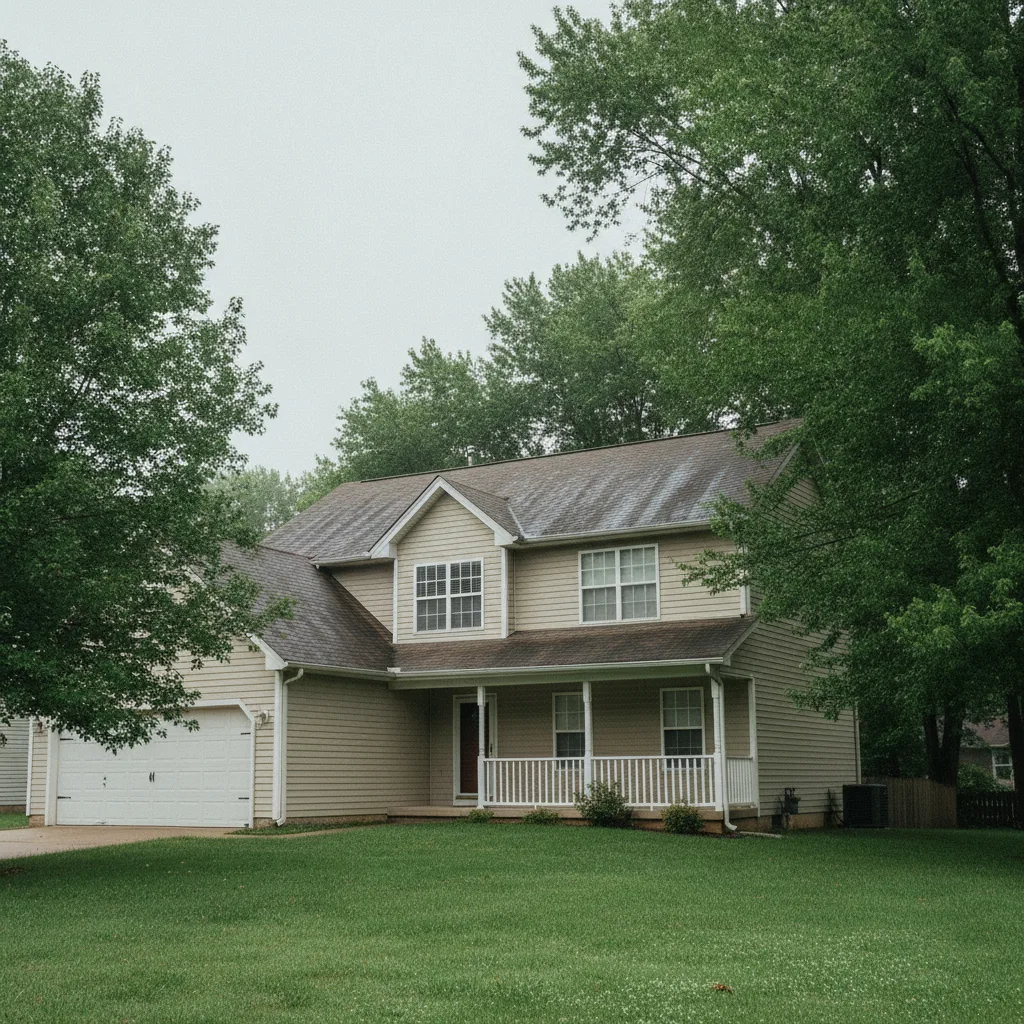
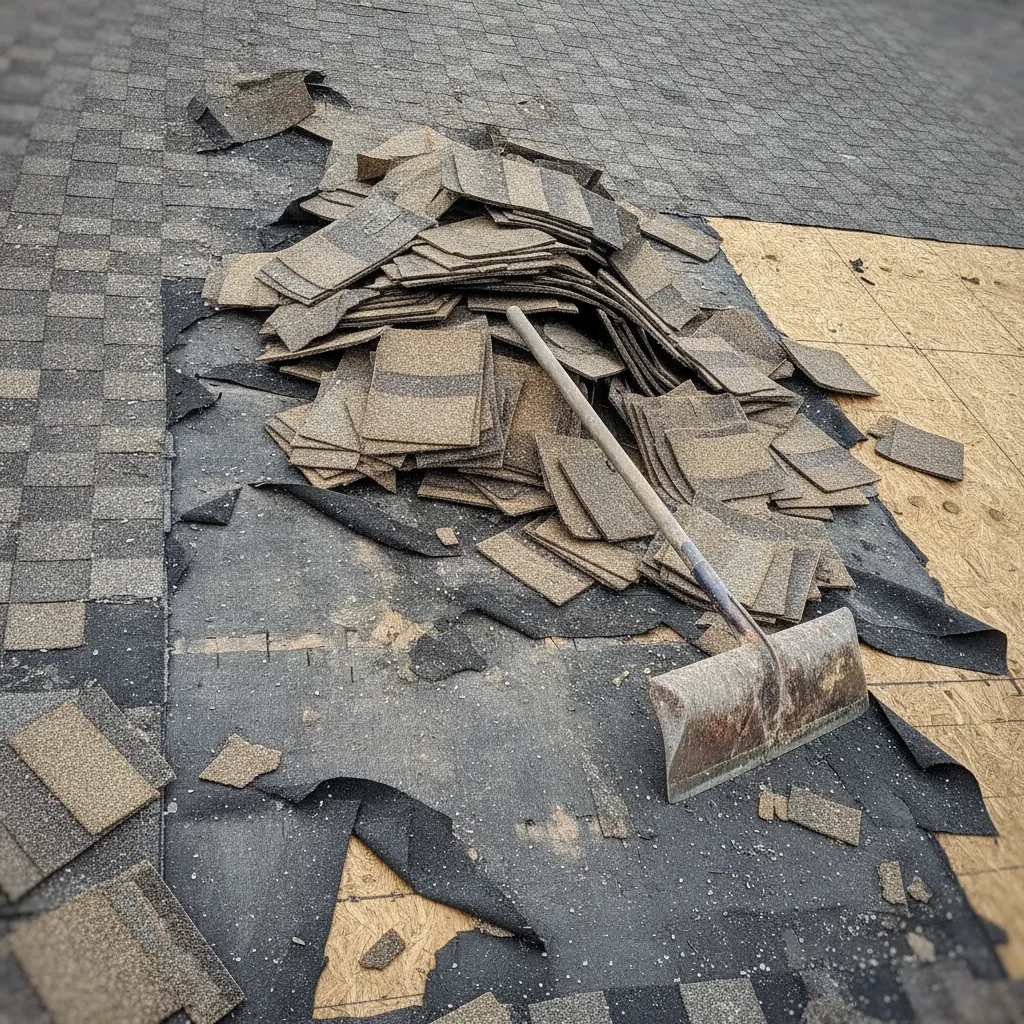
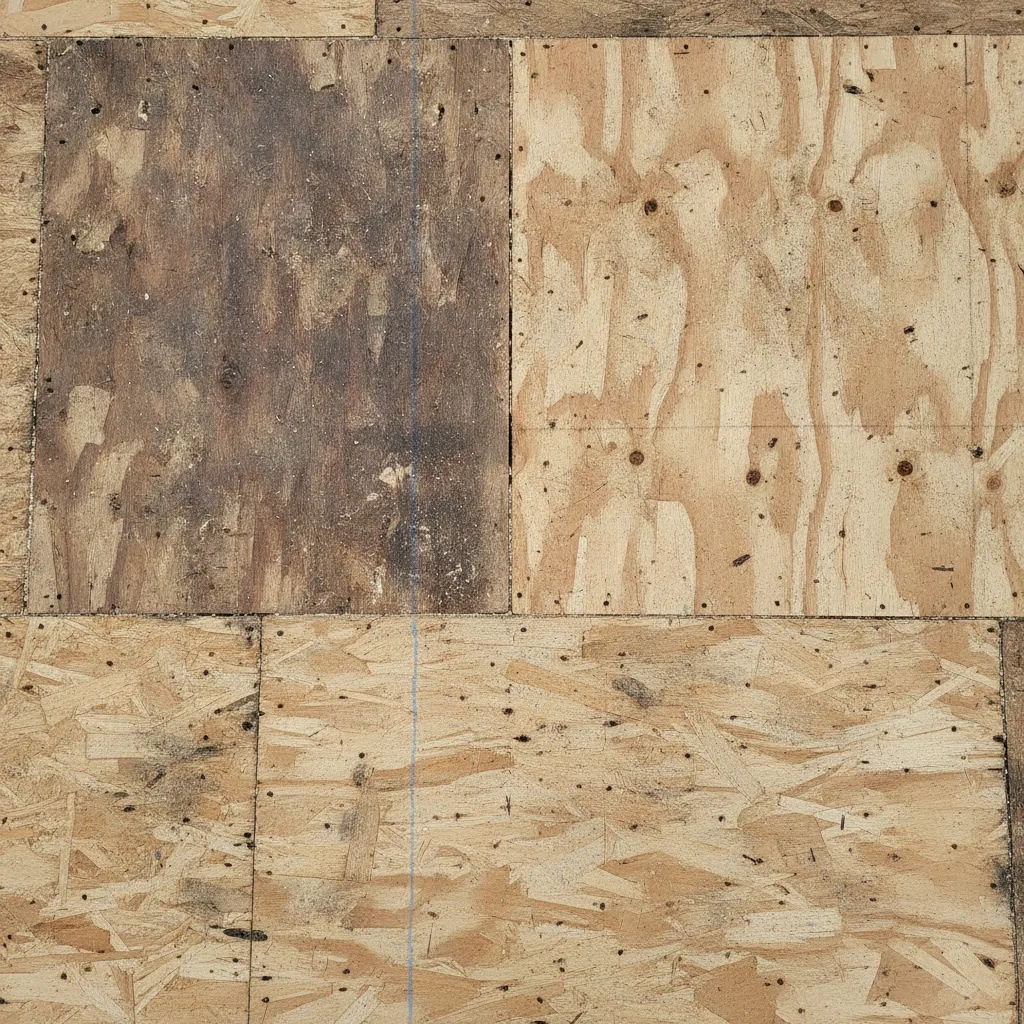
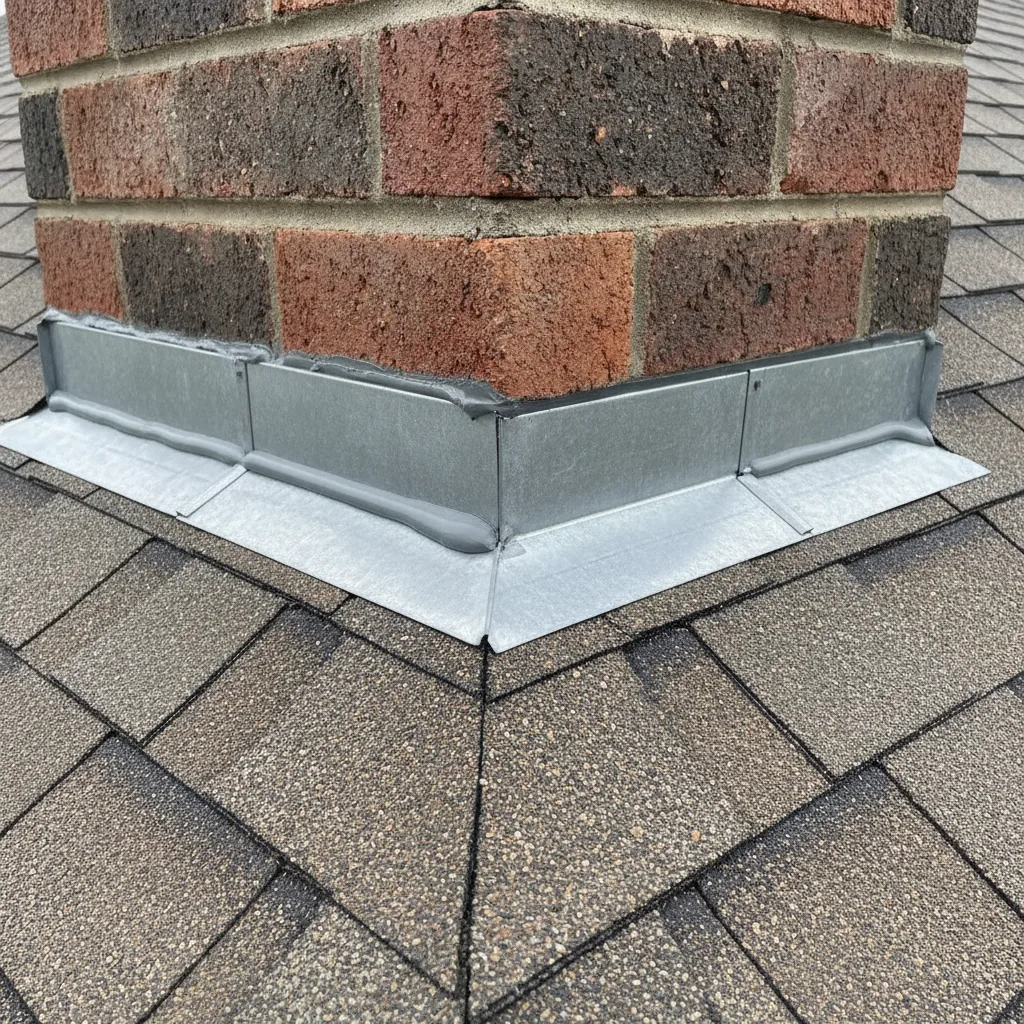
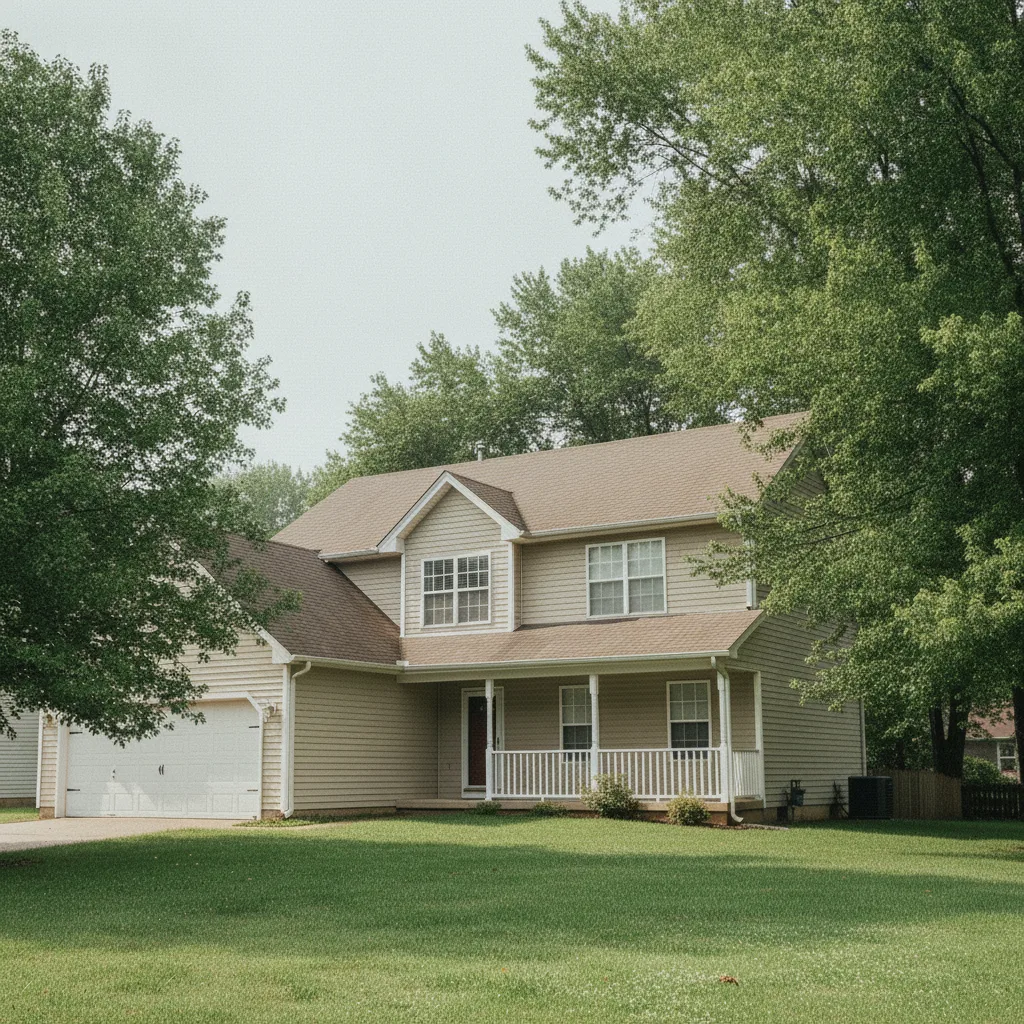
Each job gets its own time-stamped, GPS-tagged gallery — the proof you pulled a permit, hit the milestone, and left it right, without you sorting a thing.
How do job photos help a contractor get paid?
They settle the argument before it starts. When an invoice gets questioned, a set of time-stamped, located photos showing the work at each stage is the difference between a fast payment and a back-and-forth. The same record protects you on warranty callbacks — you can prove what the framing looked like before the drywall went up, or that the slab was sound the day you poured it. Capture the same angles before and after, and you hold a before-and-after that backs the bill.
What does a small-shop contractor actually need?
Something you'll use one-handed on a ladder, that costs nothing, holds the proof you billed for, and makes your finished work easy to show the next prospect.
No training, no admin
Open it, shoot, done. There is no project setup or office dashboard to manage before you can take a photo — which matters when you're the office and the field crew both.
Free for one person or twenty
No paid entry and no per-seat fee. A solo pro pays nothing, and the day you bring on a helper or hand a sub access, it's still free.
Before-and-after to win the next job
Turn a finished job into a clean before-and-after gallery you can show a prospect on your phone. Your last job becomes the pitch for your next one.
Works where the signal doesn't
Shoot offline in a crawlspace or a rural lot and LibreCam queues every photo, then uploads on its own when you get bars back. Nothing lost.
Can I show prospects my past work?
Yes, and it's one of the strongest reasons a contractor keeps photos in the first place. Filter a finished job to its best shots, then open a web gallery on your phone at the estimate or send the link in a follow-up. A homeowner deciding between two bids trusts the one who can show a tidy before-and-after of the exact work — no app for them to install, no account to make. You keep every original file, so the portfolio is yours to take anywhere.
What a solo contractor pays
| LibreCam | CompanyCam | |
|---|---|---|
| Cost for a one-person shop | Free | $63/mo (Core) |
| Per-seat pricing | None | ✓ Yes |
| Cost to add a helper or sub | $0 | $29/mo each |
| Before-and-after galleries | ✓ Yes | ✓ Yes |
| Share without an app download | ✓ Yes | ~ Partial |
| Keep your original files | ✓ Yes | Export needed |
Is a free contractor photo app enough for a real business?
For documenting jobs, proving your work, and showing clients, yes. The paid tiers on other apps mostly buy seats and back-office features a one-person shop never touches — you end up renting a crew dashboard to take five photos a day. LibreCam keeps the parts a contractor actually uses permanently free: capture, GPS and timestamps, organizing, before-and-after, and sharing. Compare the best solo contractor photo apps, or see the broader construction photo app and the crew-focused jobsite photo app.
Frequently Asked Questions
Yes. LibreCam is free for one person up through a full crew, with no per-seat fee and no paid tier. Core capture, organizing, before-and-after, and sharing stay free permanently.
Not with LibreCam — it's free whether you're the only user or twenty. Some photo apps still make you pay to start: CompanyCam's cheapest plan is $63/mo for a single user, with no free tier. LibreCam has no paid tier at all.
Yes. Every photo carries its GPS location and capture time, so a time-stamped record of the work at each stage answers a questioned invoice or a warranty callback with proof instead of memory.
Yes. Filter a finished job to its best shots and open a web gallery on your phone or send the link. The homeowner needs no app or account to view it.
Yes. LibreCam captures offline, holds each photo on the phone with its GPS and timestamp, and uploads automatically when you reconnect. Crawlspaces and rural lots never cost you a shot.
Yes. You keep every original file and can export your galleries at any time. There is no lock-in and no per-project zip-link routine to get your own work back.