 Libre


Yes, we sync with Contractor Foreman.
Projects and customers come into LibreCam. Photos, videos, and reports go back to Contractor Foreman. You never have to move a thing.
The Contractor Foreman sync is part of LibreCam Pro. No per-user pricing on any plan.
We’re big Contractor Foreman fans.
Contractor Foreman is construction management software for small GCs. It runs your project operations, and a lot of the best crews we know live in it all day.
So we built LibreCam to sit right beside it. Contractor Foreman stays your system of record. LibreCam is the camera every person on the crew carries.
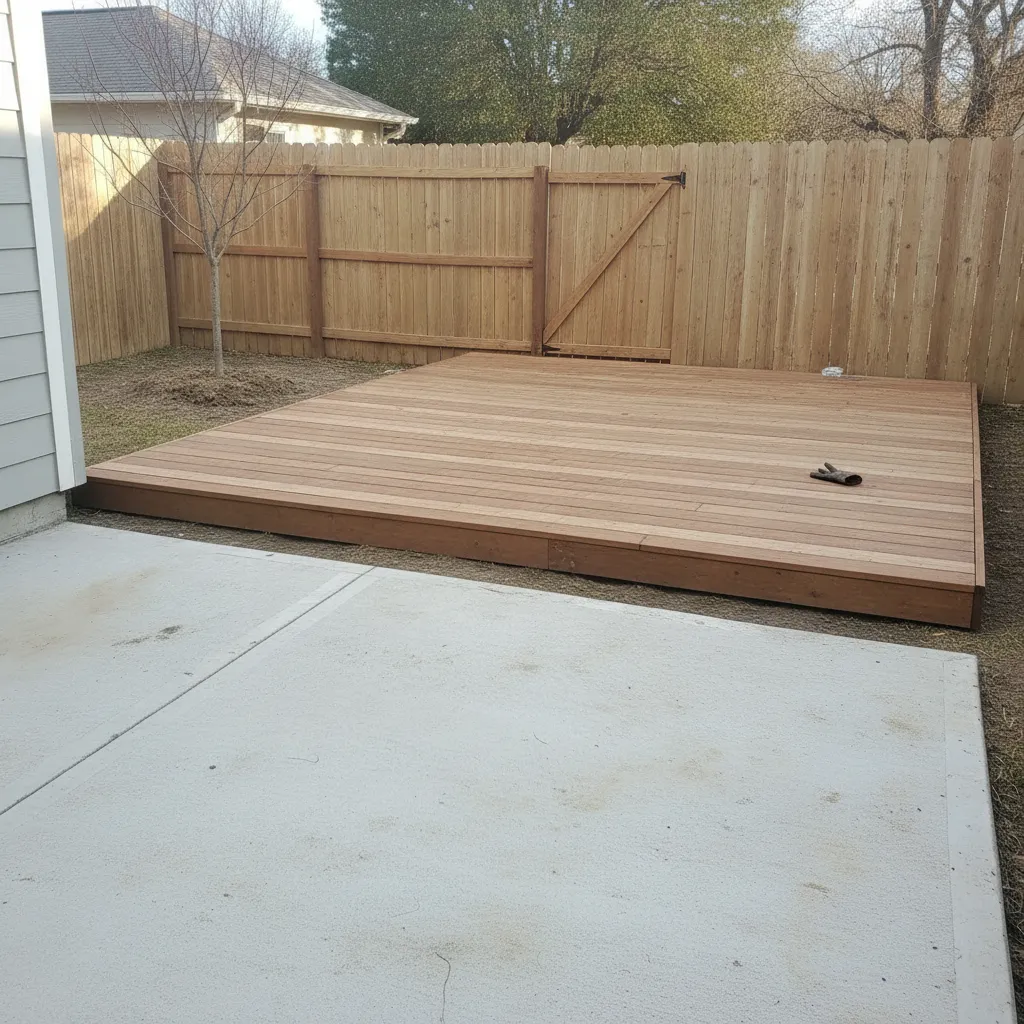 Alvarez deck · 418 Birch Ln
Photos land right on the project.
Shoot in LibreCam, and every photo, video, and report shows up on the matching Contractor Foreman project on its own. No uploads, no exports, no “did you send those?”
It works the other way too. Create a project or a customer in Contractor Foreman, and it’s waiting in LibreCam before the crew pulls into the driveway.
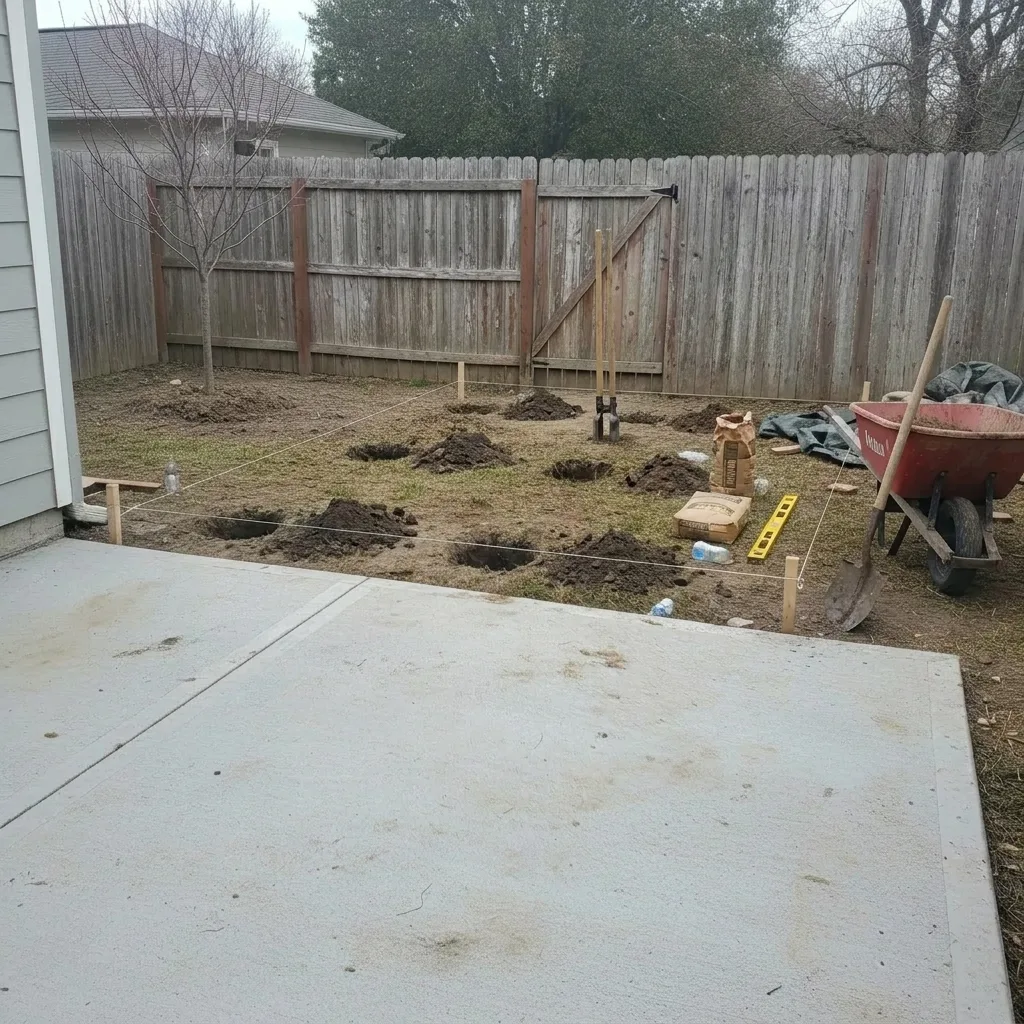
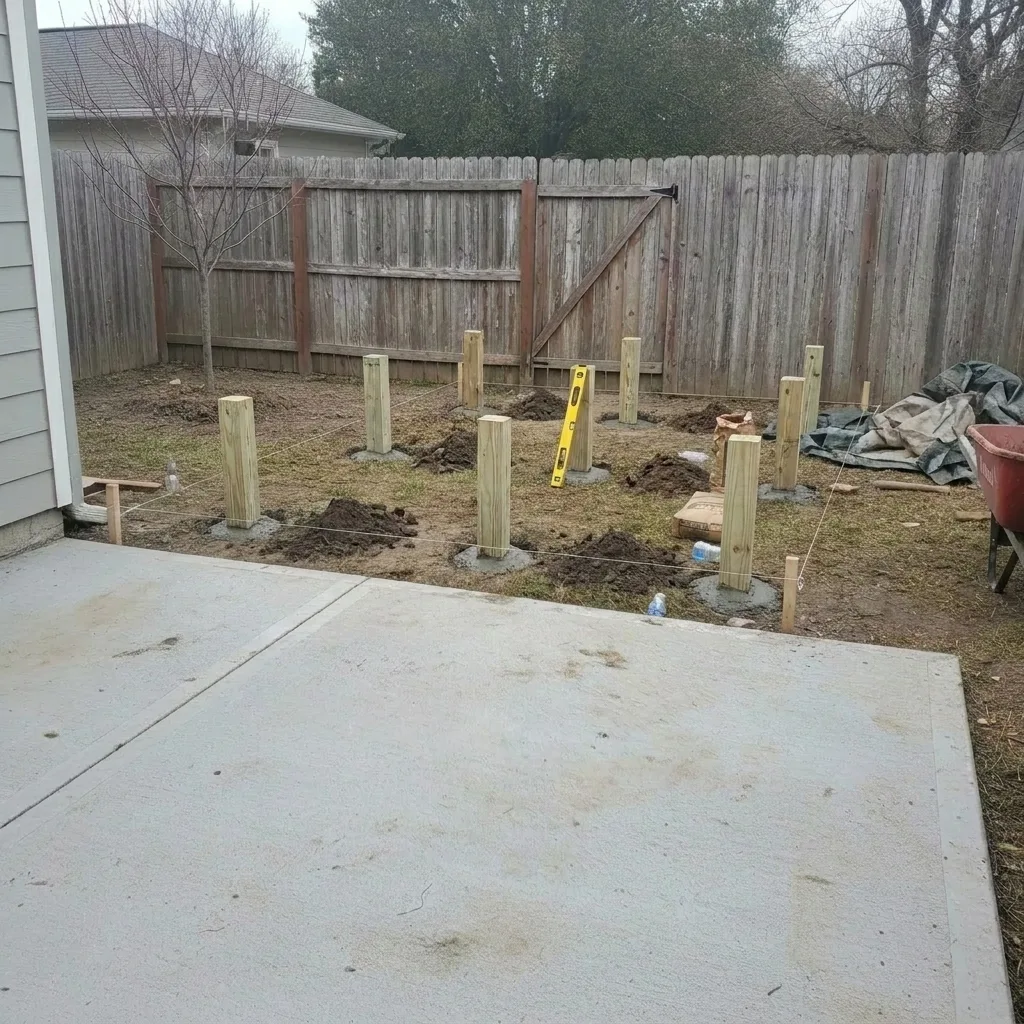
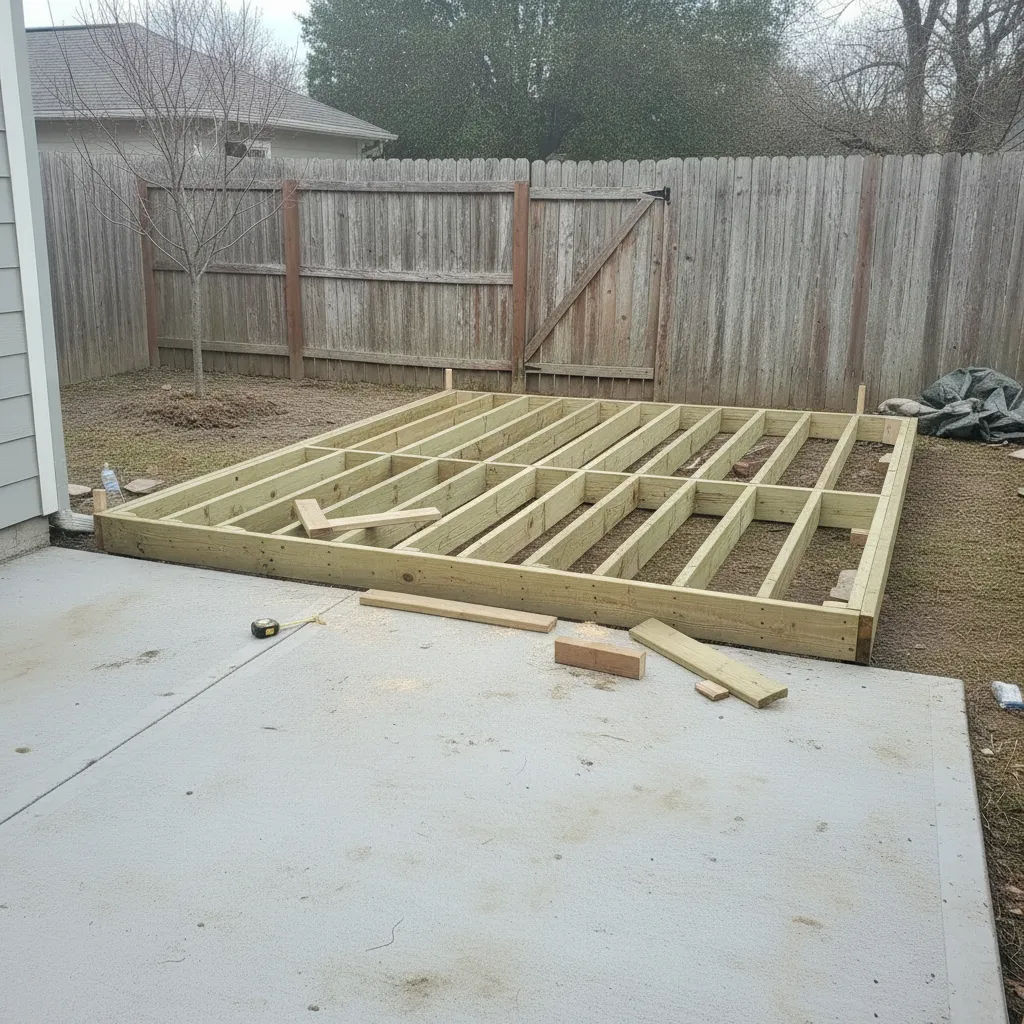
What actually syncs?
Here’s everything that moves between the two apps, and which way it goes.
 |  | |
|---|---|---|
| Projects | Projects | |
| Customers | Customer details | |
| Photos | PhotosWith GPS and time | |
| Videos | Videos | |
| Files | ReportsAs PDFs |
Why small GCs run LibreCam beside Contractor Foreman
Never blocks the crew
Photos save on the phone and sync in the background, so nobody waits on an upload before taking the next one.
Voice captions on every photo
Dictate “south footing forms, pour scheduled tomorrow morning” while walking the site. The transcript becomes the photo’s caption and goes to Contractor Foreman with it.
Shoot with no signal
Many small-GC jobsites sit outside reliable cell coverage. Photos save with GPS and time locked in at the shot and sync to Contractor Foreman once you’re back in signal.
No per-user pricing
1099 subs and seasonal helpers who aren’t on your Contractor Foreman license can still shoot on the job. Adding people never moves the price.
Rather do it by hand?
Every plan, Free included, exports photos and PDF reports you can attach to any Contractor Foreman project. The automatic sync comes with LibreCam Pro.
Coming from CompanyCam?
Export your CompanyCam photos, move your projects into LibreCam, then run both apps for two weeks before you switch the crew. Contractor Foreman stays put the whole time.
Frequently Asked Questions
Yes. Projects and customers come into LibreCam, and photos, videos, and reports go back to the matching Contractor Foreman project, all on their own. It’s part of LibreCam Pro.
The automatic sync is part of LibreCam Pro. On the free plan, you export photos and PDF reports and attach them to the Contractor Foreman project yourself.
No. LibreCam is a photo app, not a project management system. Your projects and records stay in Contractor Foreman.
No. LibreCam has no per-user pricing, so the whole crew, subs, and office staff all use it without a seat each.
Yes. LibreCam captures locally with GPS, timestamp, and voice-to-text captions all locked in at the moment of the shot. Everything syncs to the matching Contractor Foreman project when connectivity returns.
Yes. Tap any photo to add shapes, text, and arrows. Annotations are embedded in the photo rather than kept as separate layers, so they travel with it to Contractor Foreman and survive PDF exports and email attachments without breaking.
Where Contractor Foreman still wins on its own
Contractor Foreman runs your project operations; LibreCam runs the field evidence at $0.
About Contractor Foreman in 2026
Contractor Foreman is construction management software. Other construction tools LibreCam works beside: JobTread, Buildertrend and Raken, which sync the same way on LibreCam Pro.
Let’s hook up your Contractor Foreman.
Tell us your team size and we’ll get your crew shooting straight onto Contractor Foreman projects.